
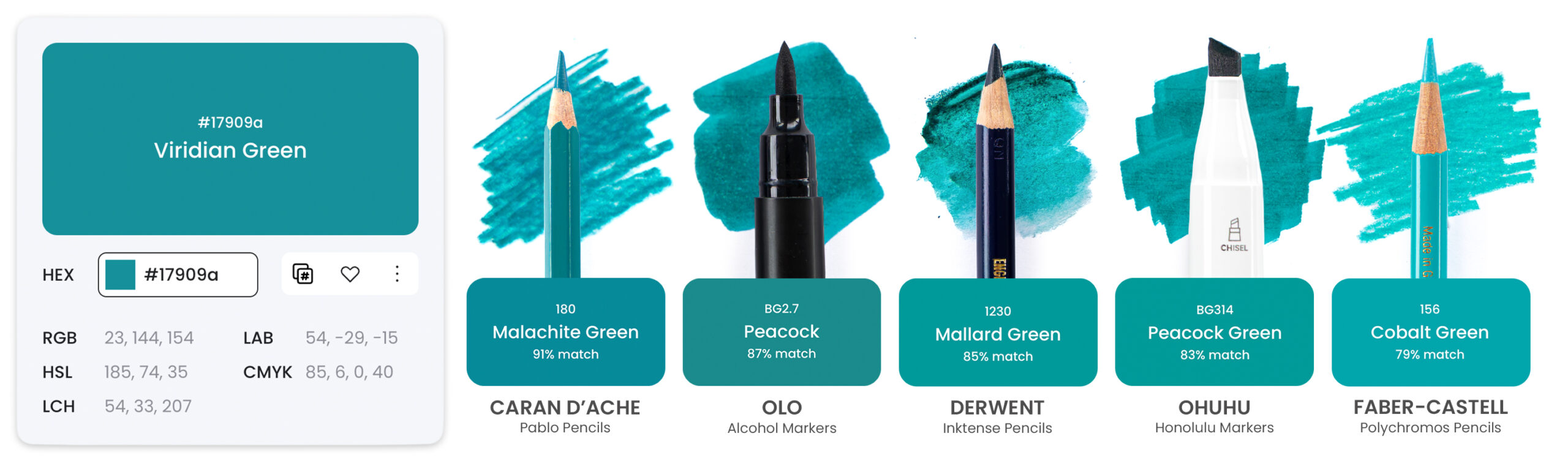

Any colour, instantly matched to your art supplies.
Colour Companion includes all the tools you need to better understand the colours you already own. You can find matching art supplies for your favourite colours in just a few clicks, or convert your colours from one brand to another from a growing range of art supplies in our database. You can compare between brands, create your own digital Art Stash, or explore colour palettes for inspiration.
Our goal is to build the most thorough and most accurate colour matching tool on the internet, and we’re just getting started.
Colour Companion includes a suite of tools to help you get the most out of your art supplies:
With a Free Essentials Account, you can:
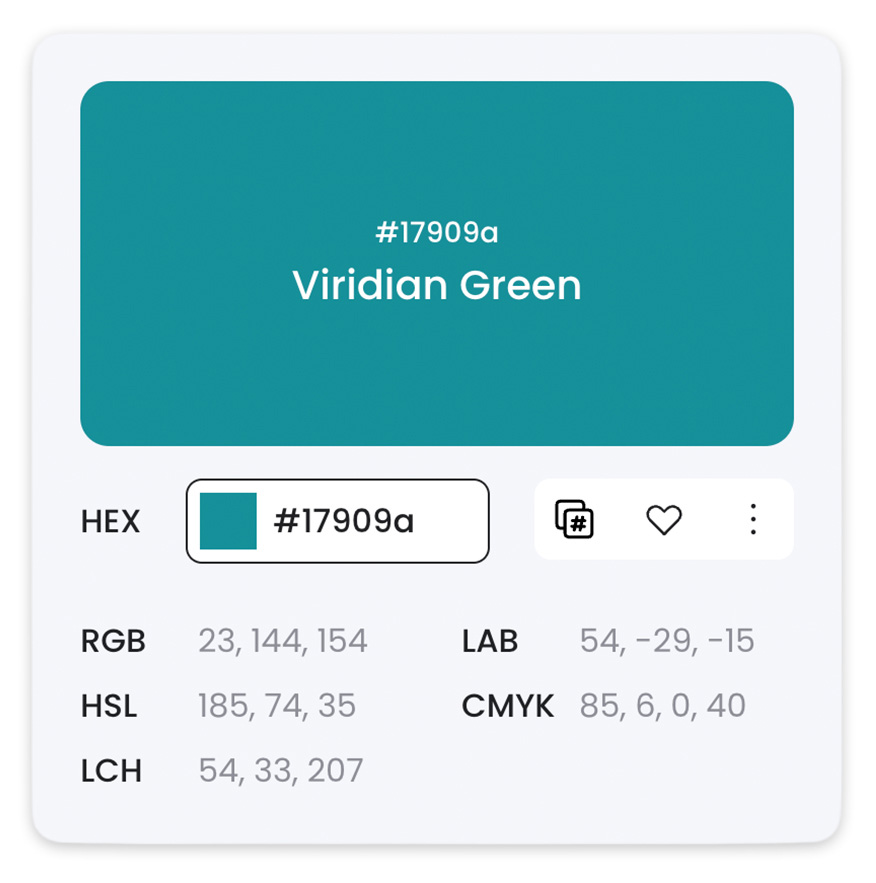
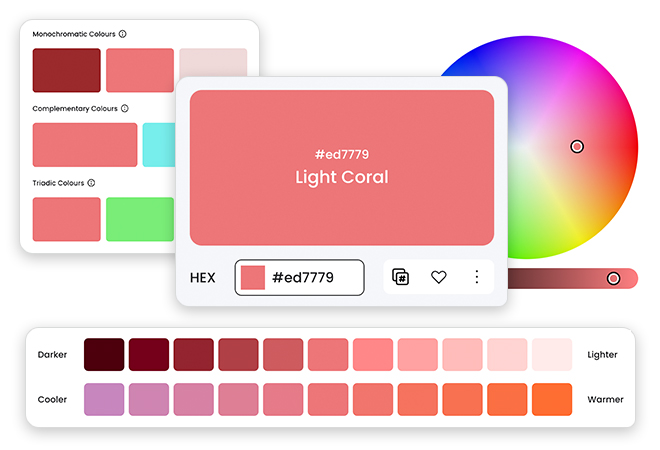
Use the Colour Explorer to find lighter and darker shades, warm or cool variations, or colour harmonies of any colour, along with RGB, CMYK and other values.
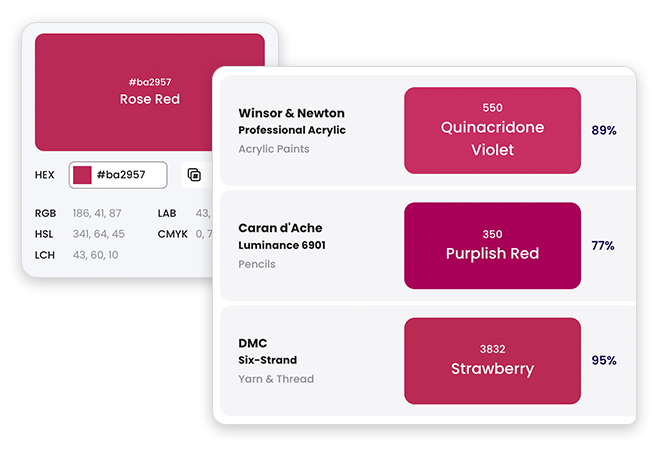
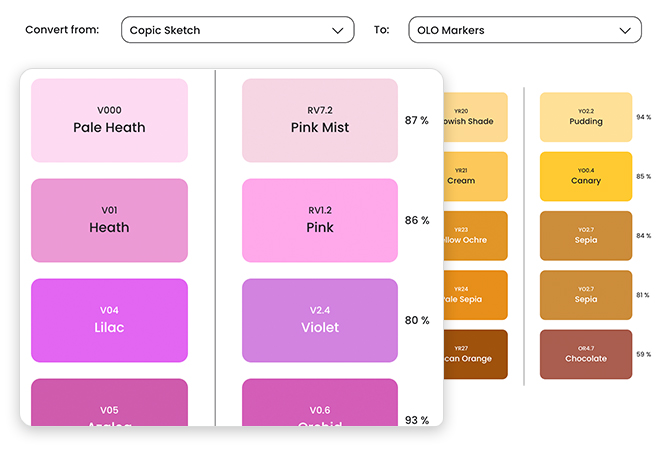
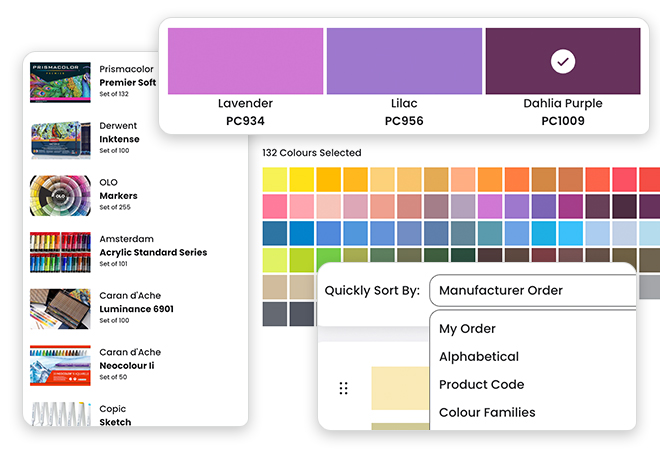
Choose up to 3 favourite art supplies to use in the Art Supply Converter, allowing you to quickly find a marker or pencil by colour, or match between brands. You can change these 3 art supplies at any time in the Art Stash.
Browse Colour Names in our database of 500+ colours that have been meticulously curated and named by our team, helping you to identify colours and their common colour names.

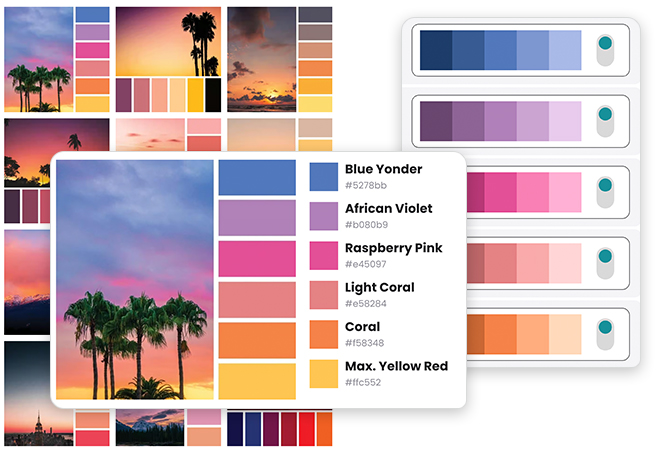
Explore 8 free colour palettes in Browse Colour Palettes, where you can find more about the colours used, photographer, light and dark variations or similar palettes.

Browse Art Brands to see all the art supplies currently available in the Colour Companion, along with their individual art supply data and colour information.

Mark colours or palettes as Favourites so you can quickly find them again at any time in My Collections.
Colour Companion PRO Unlocks Even More!
Convert and Match 103 Art Supplies
Our team is adding more art supplies to Colour Companion regularly – starting with the colour information provided by manufacturers, and eventually scanning each art supply ourselves for the most accurate matches possible.
Arrtx:
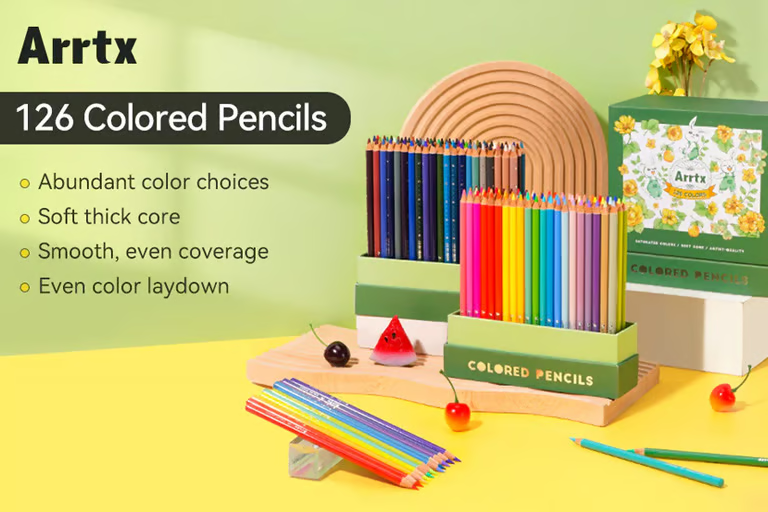
• Coloured Drawing Pencils
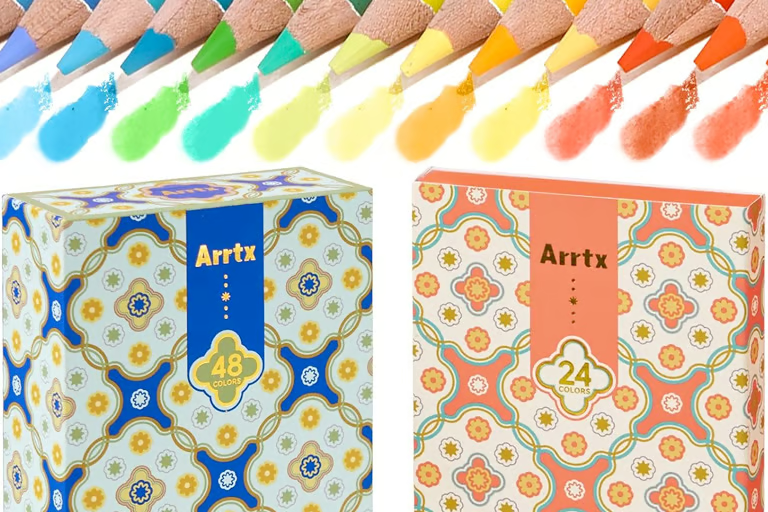
• Soft Core Oil-Based Coloured Pencils
• Watercolour Pencils
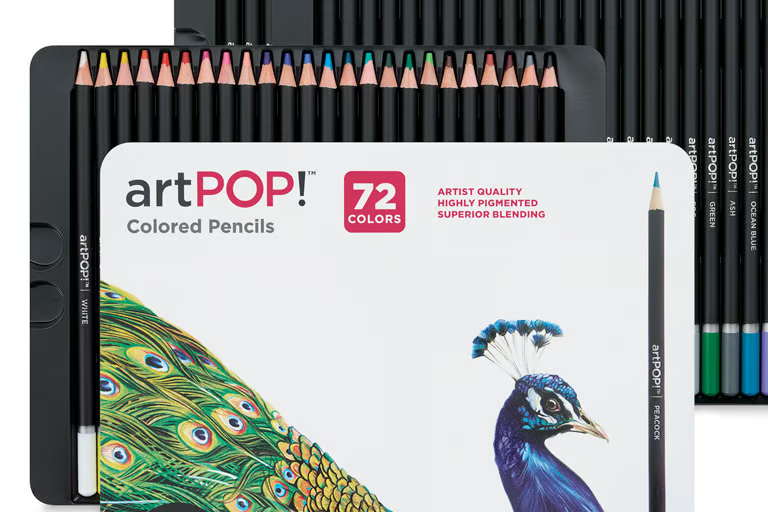
artPOP!:
• Premium Plus Coloured Pencils
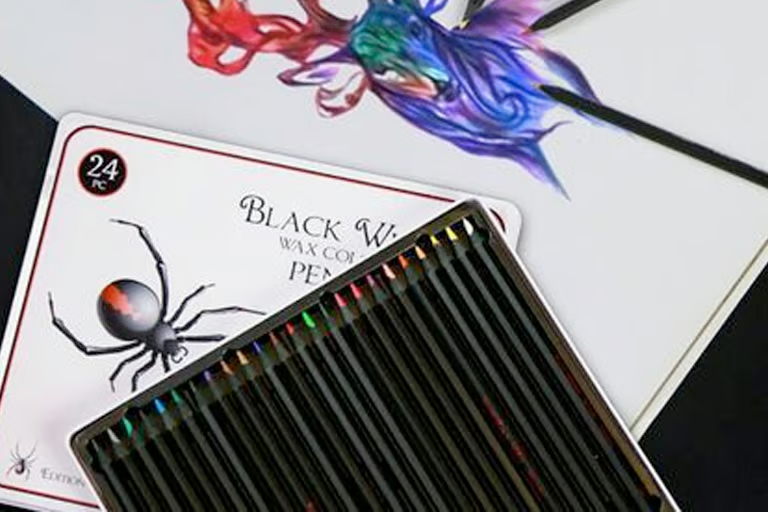
Black Widow:
• Black Widow Collection Coloured Pencils
Brutfuner:
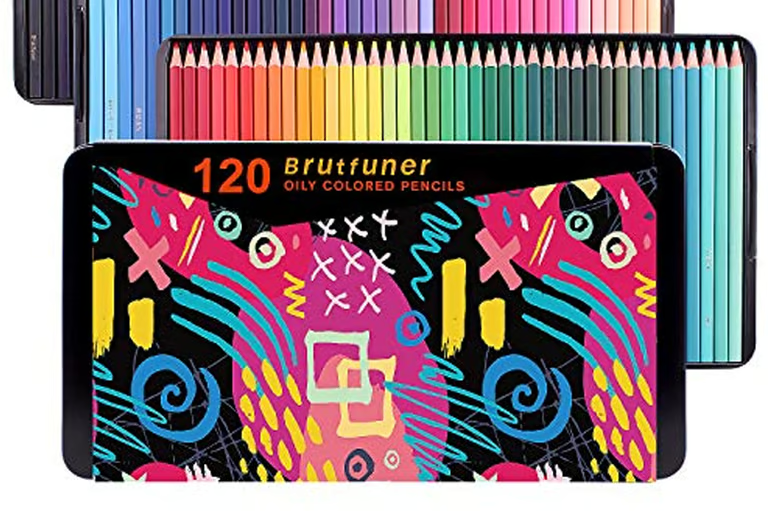
• Oily Coloured Pencils (Square)
Bruynzeel Design:
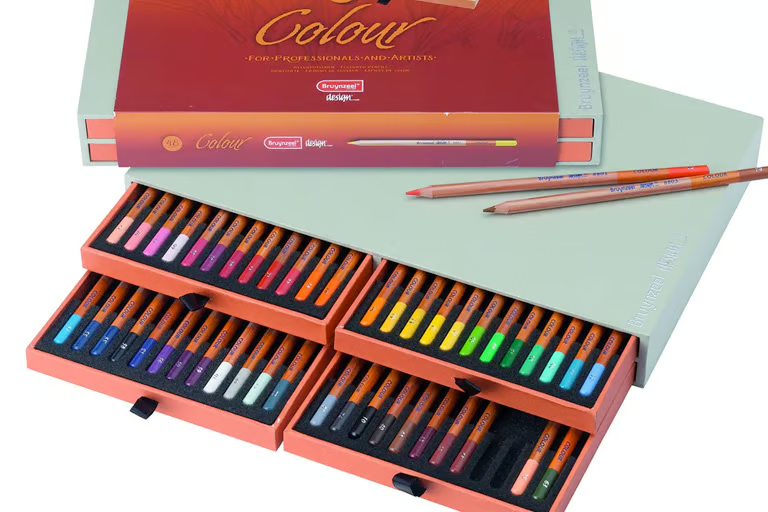
• Bruynzeel Design Coloured Pencils
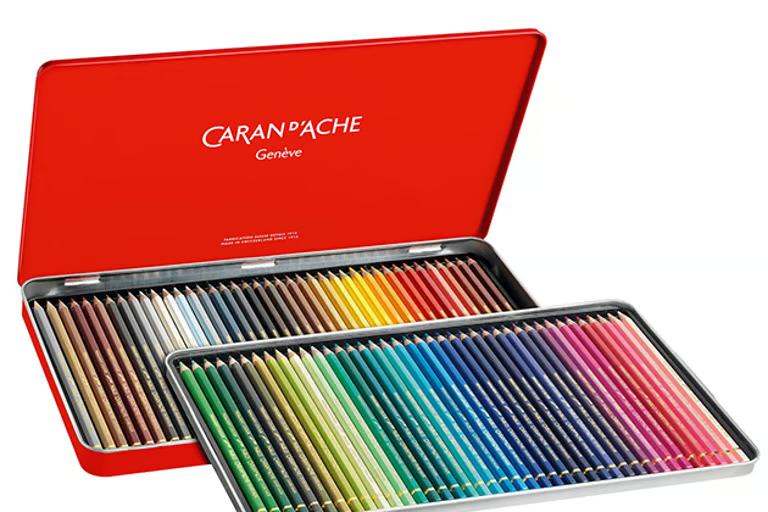
Caran d’Ache:
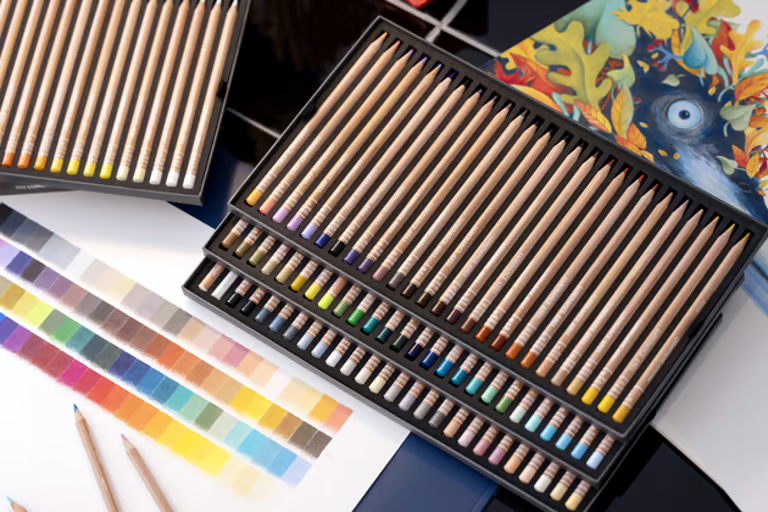
• Luminance 6901 Coloured Pencils
• Pablo Coloured Pencils
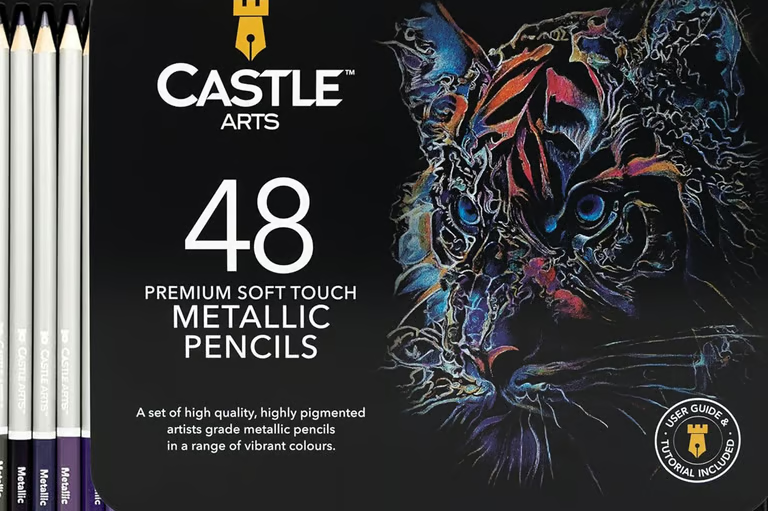
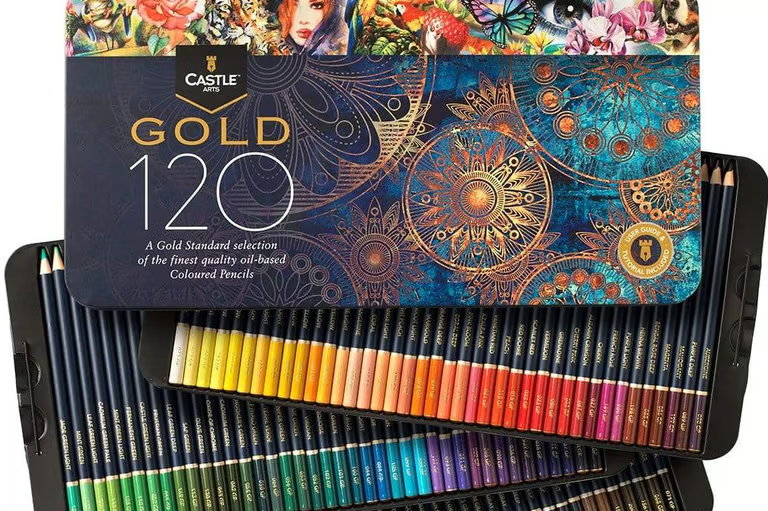
Castle Arts:
• Gold Coloured Pencils
• Metallic Pencils
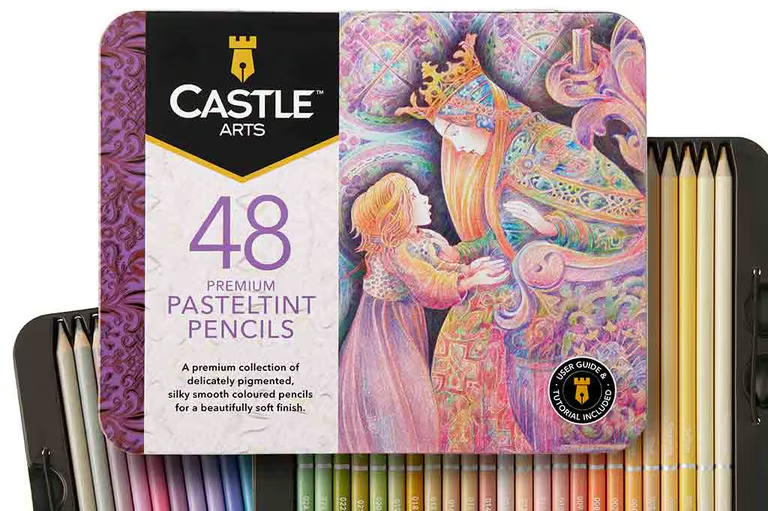
• Pasteltint Pencils
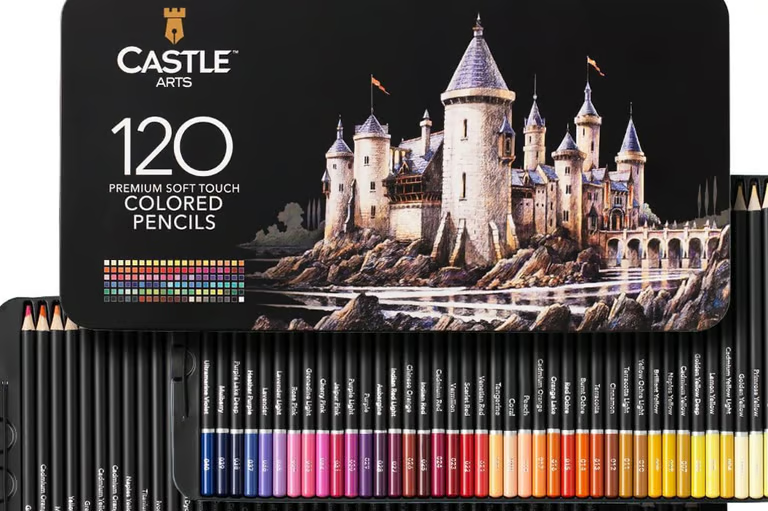
• Soft Touch Coloured Pencils
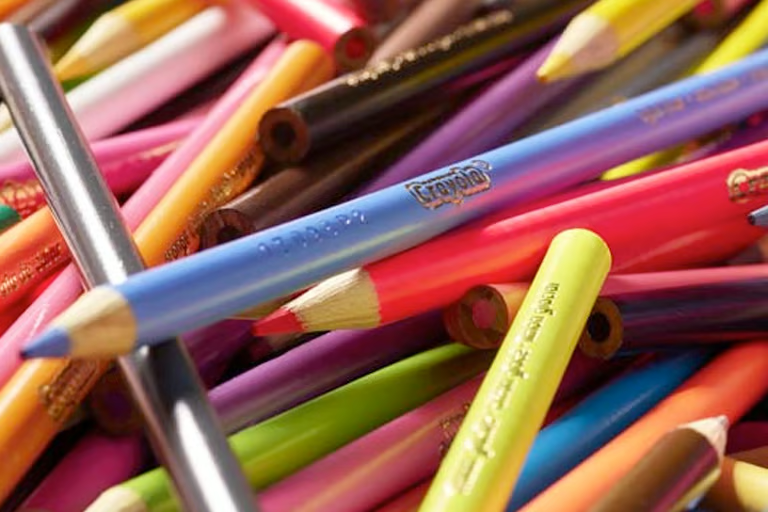
Crayola:
• Full Size Coloured Pencils
Cretacolor:
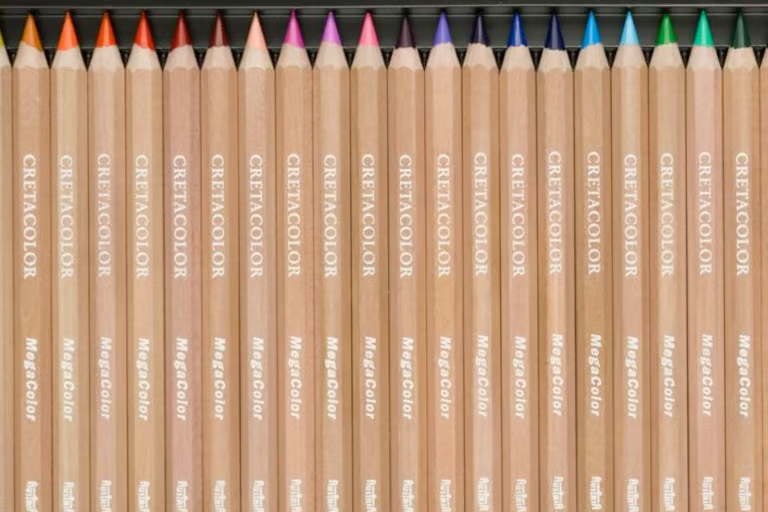
• Mega Coloured Pencils
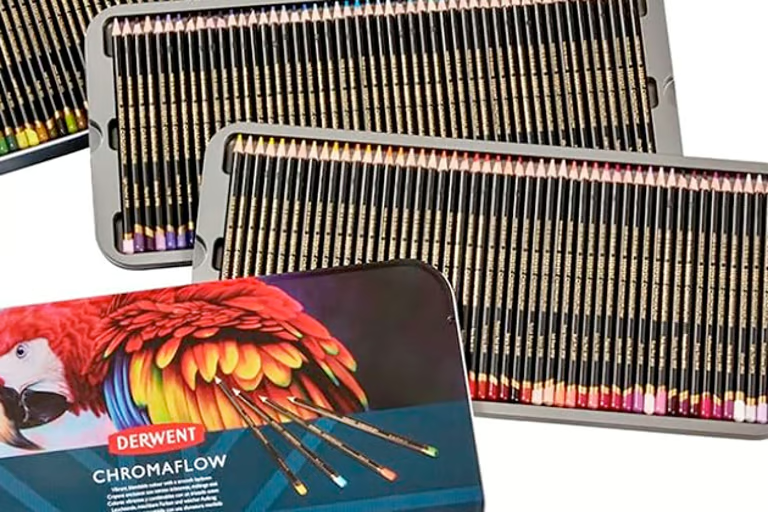
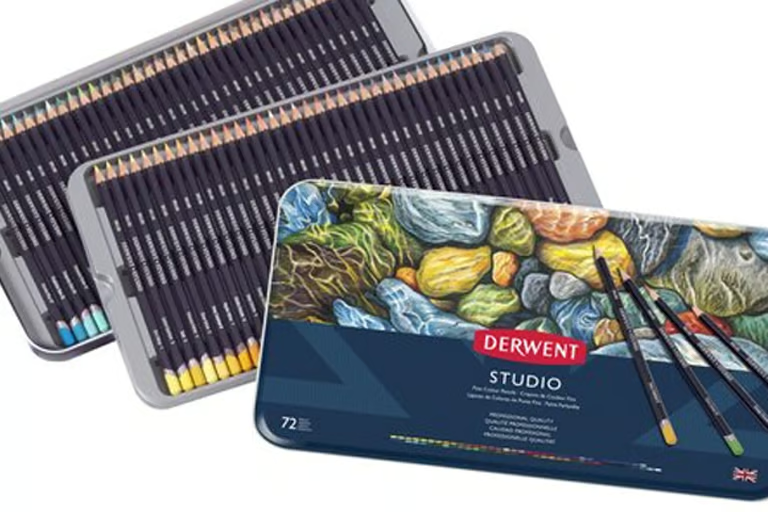
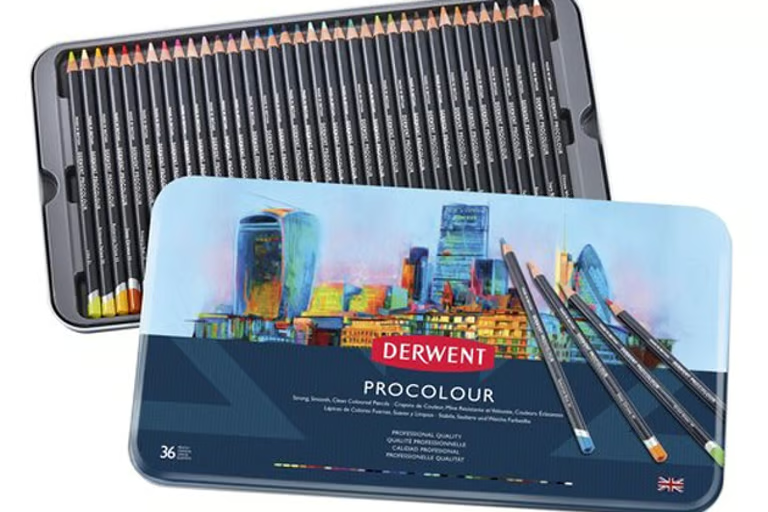
Derwent:
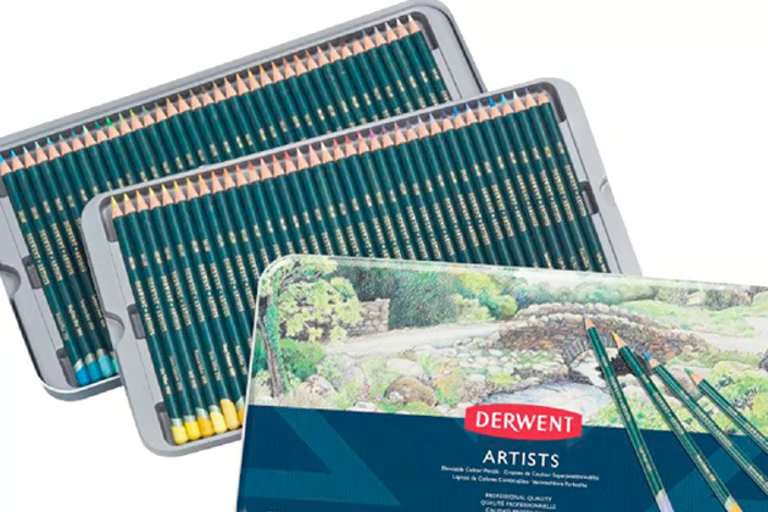
• Artists Coloured Pencils
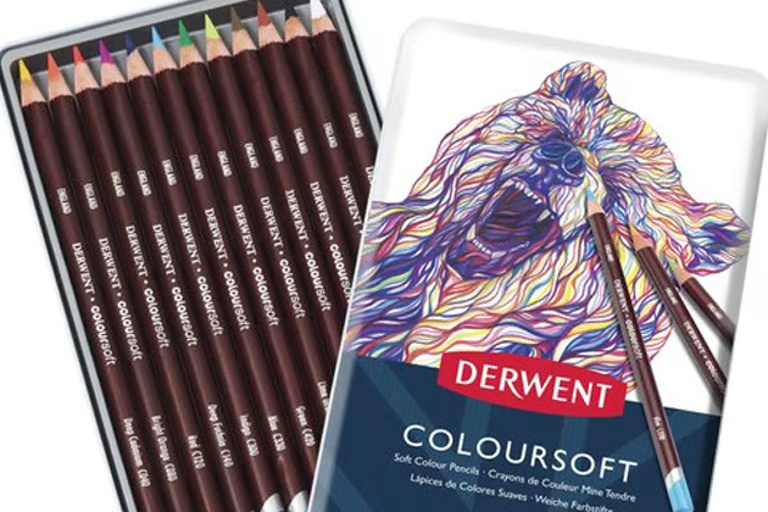
• Coloursoft Coloured Pencils
• Chromaflow Coloured Pencils
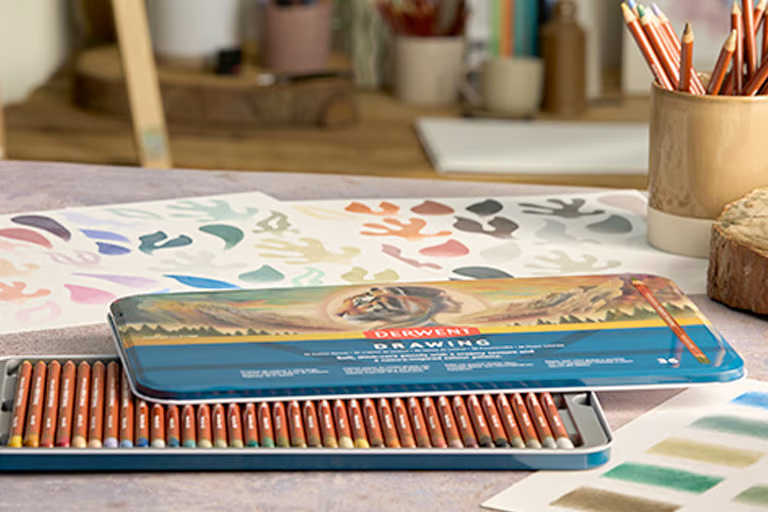
• Drawing Coloured Pencils
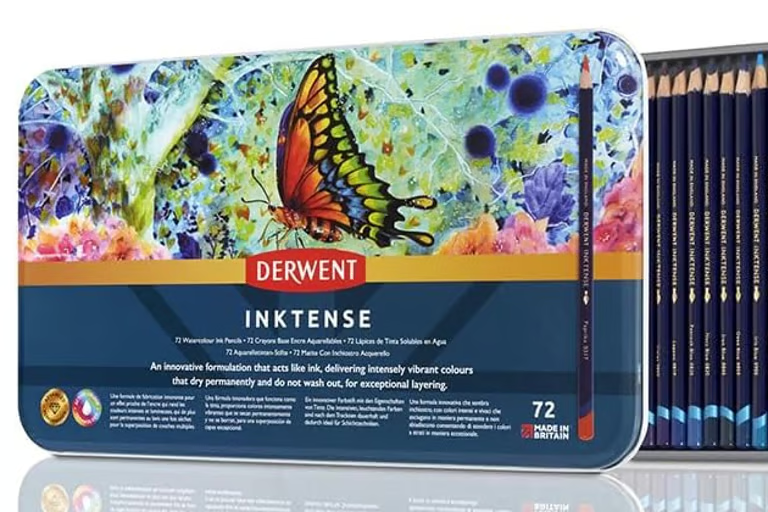
• Inktense Pencils
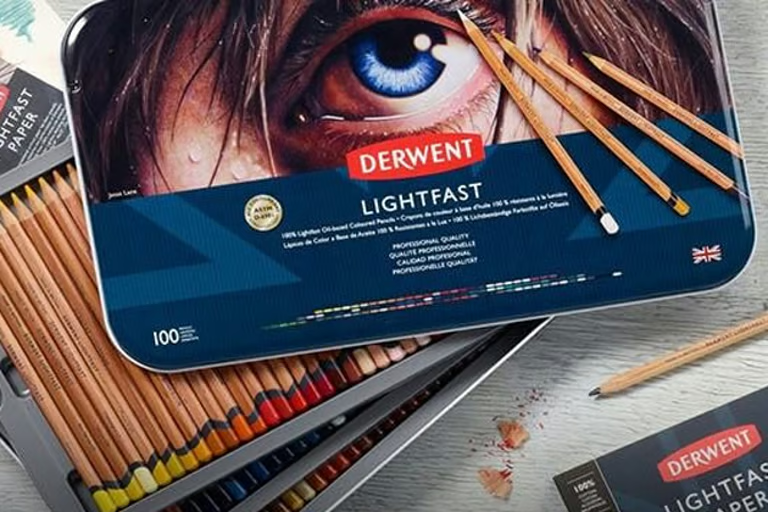
• Lightfast Coloured Pencils
• Procolour Pencils
• Studio Coloured Pencils
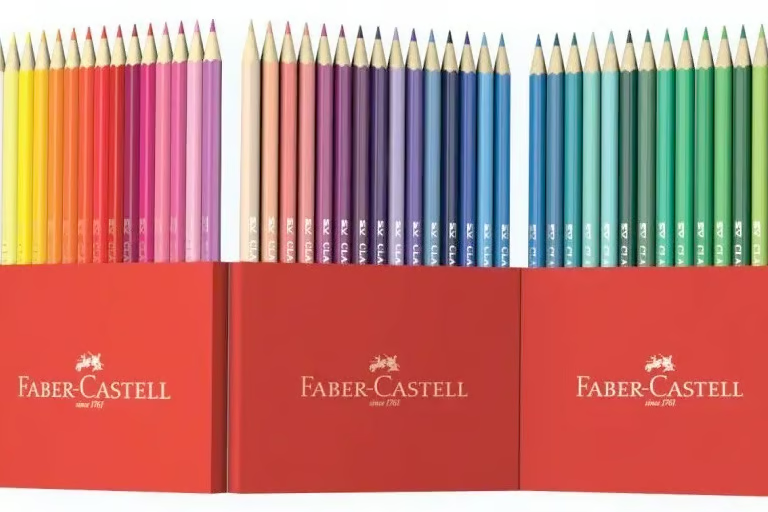
Faber-Castell:
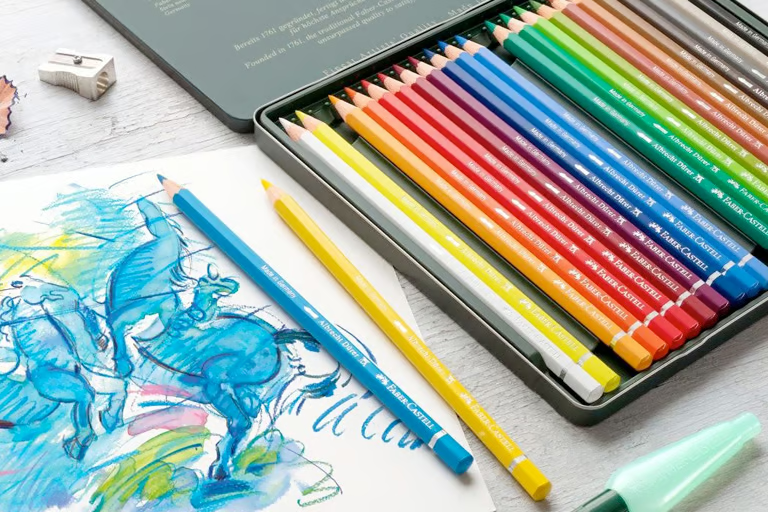
• Albrecht Dürer Artists’ Coloured Pencils
• Classic Colour Pencils
• Goldfaber Coloured Pencils
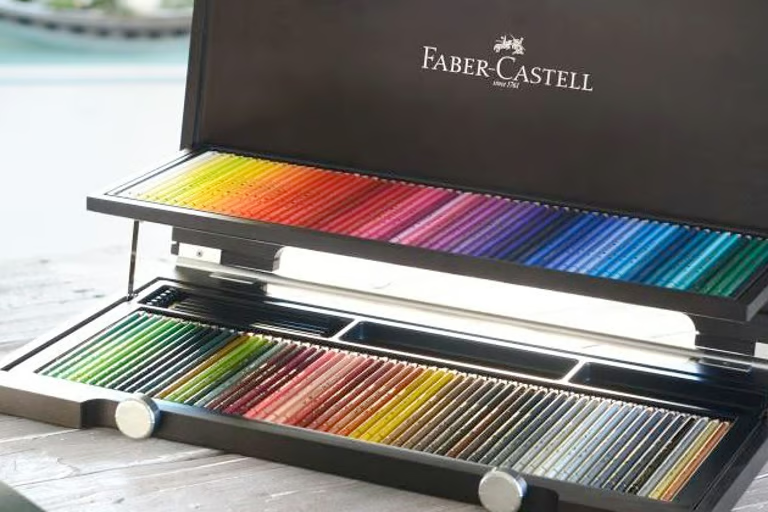
• Polychromos Coloured Pencils
Holbein:
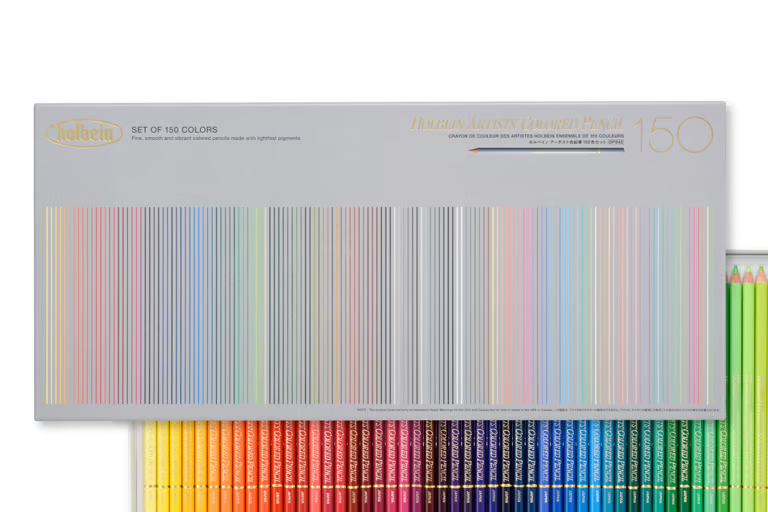
• Holbein Coloured Pencils
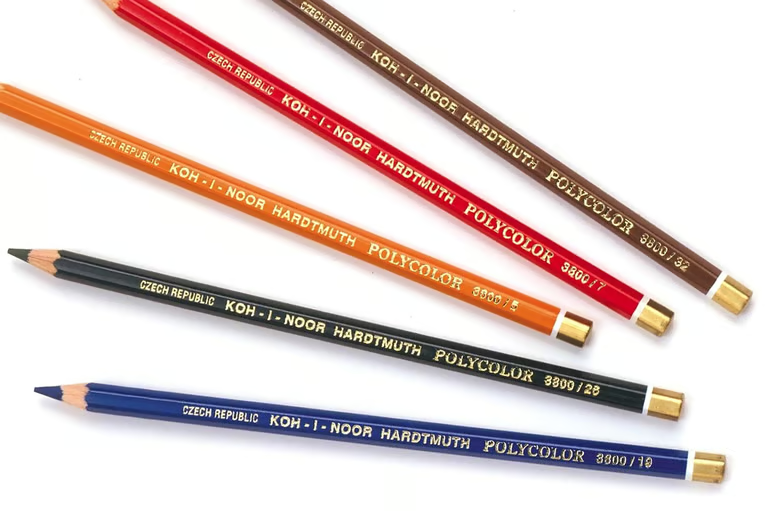
Koh-I-Noor:
• Polycolor Coloured Pencils
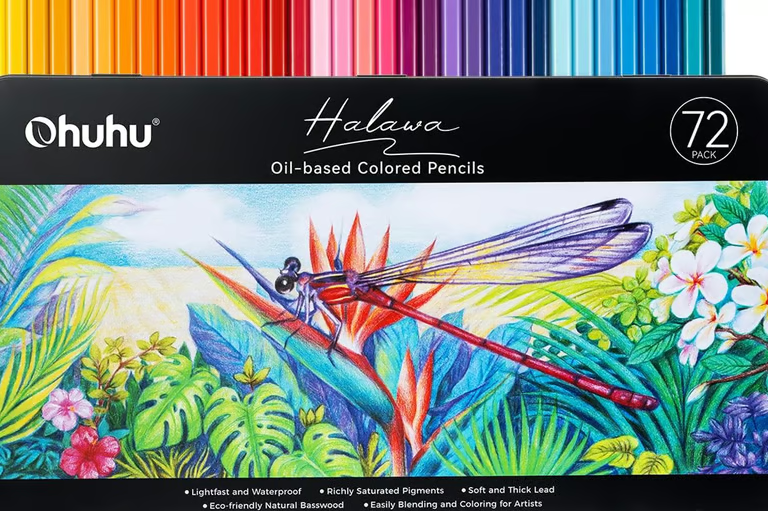
Ohuhu:
• Halawa Series Alcohol Markers
Posca:
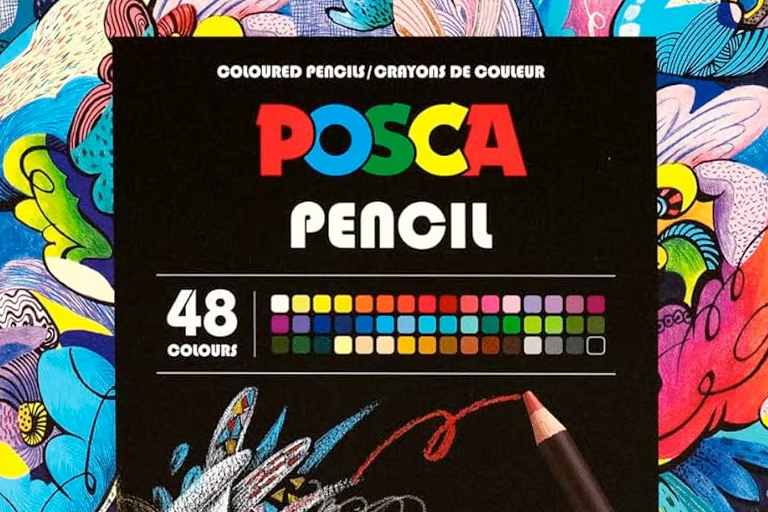
• Posca Coloured Pencils
Prismacolor:
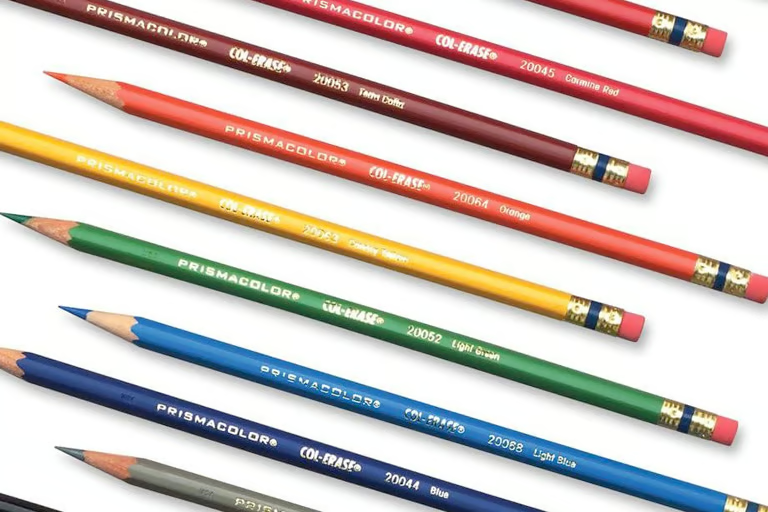
• Premier Col-Erase Coloured Pencils
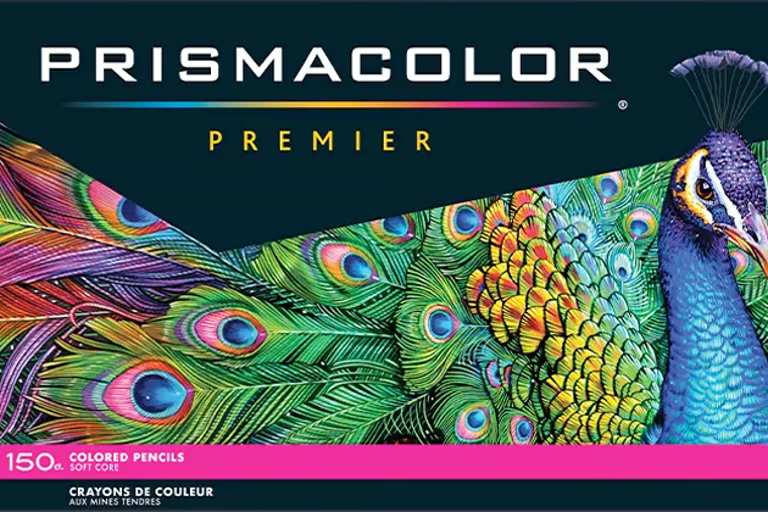
• Premier Soft Core Coloured Pencils
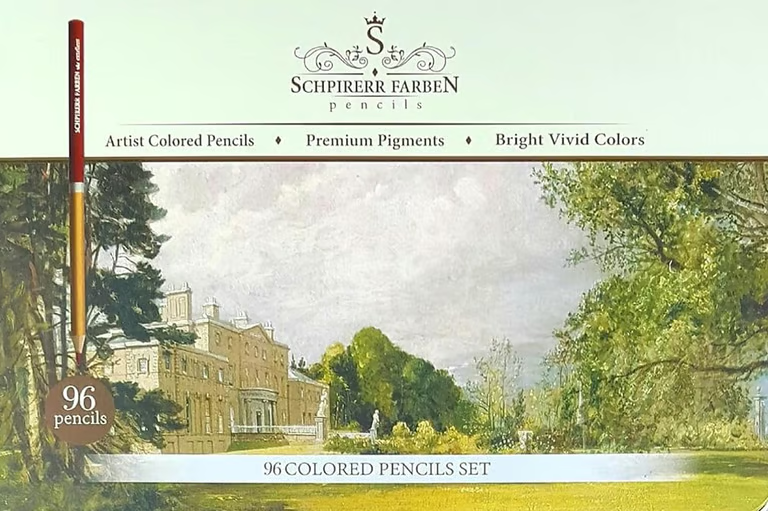
Schpirerr Farben:
• Artist Coloured Pencils
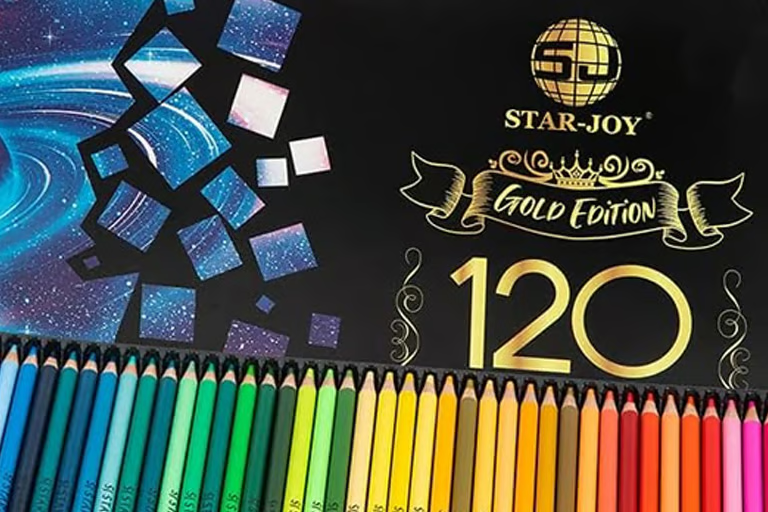
SJ Star-Joy:
• Gold Edition Coloured Pencils
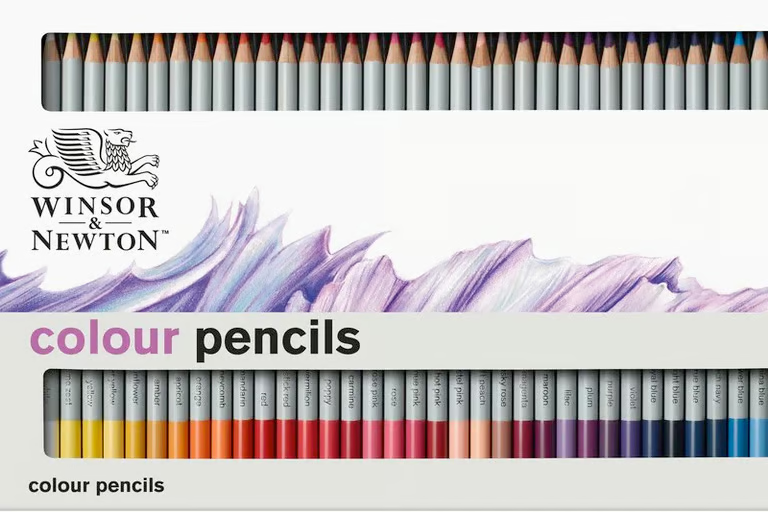
Winsor & Newton:
• Studio Collection Coloured Pencils
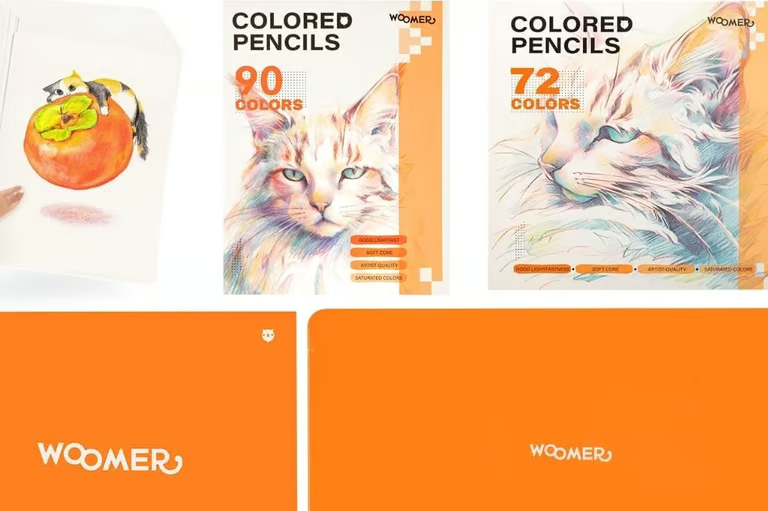
Woomer:
• Quality Coloured Pencils
• Artist Alcohol Markers
Arrtx:
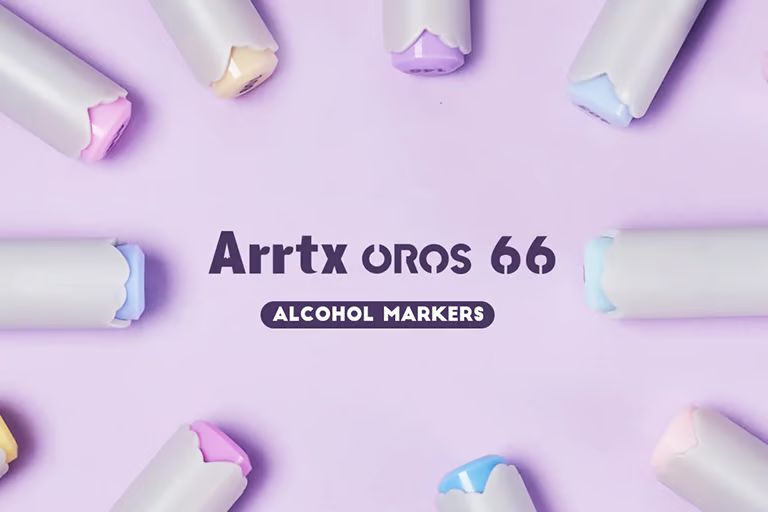
• Oros Alcohol Markers
Arteza:
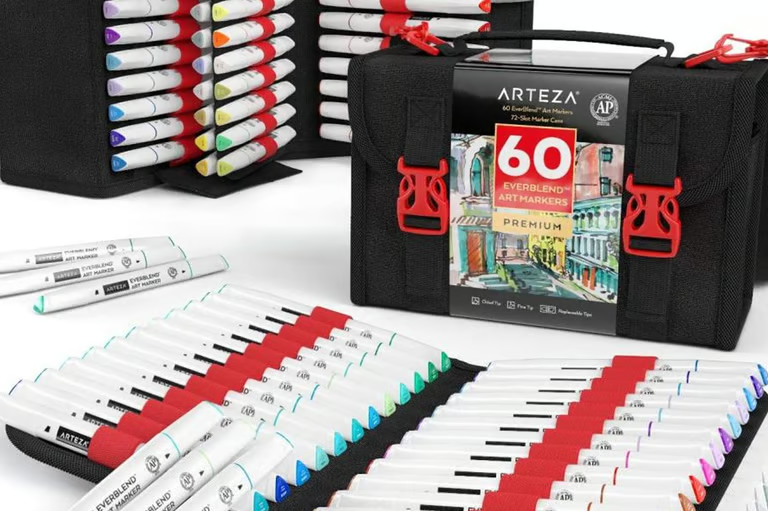
• Everblend Alcohol Markers
Caliart:
• Caliart Alcohol Markers
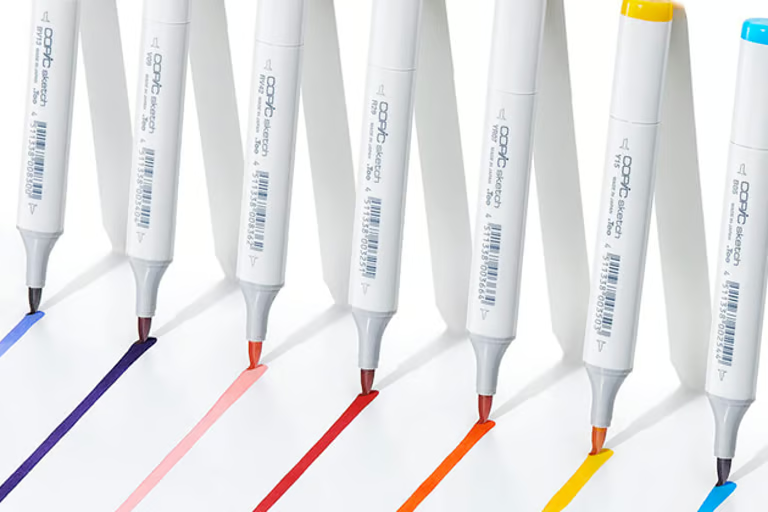
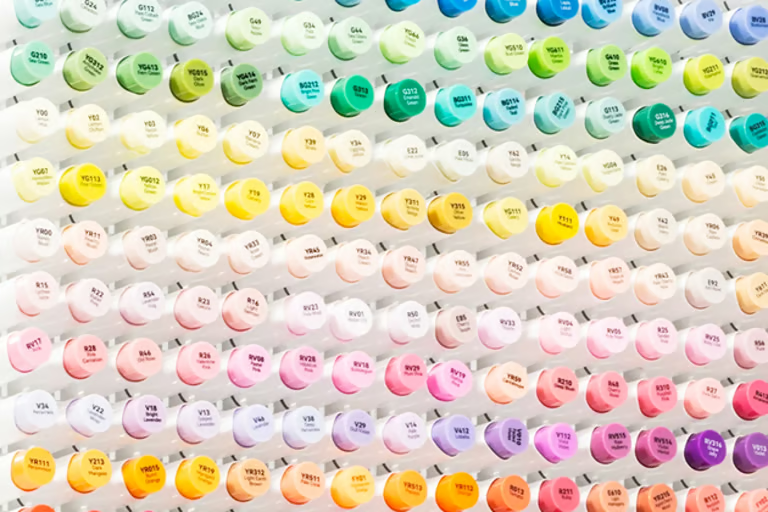
Copic:
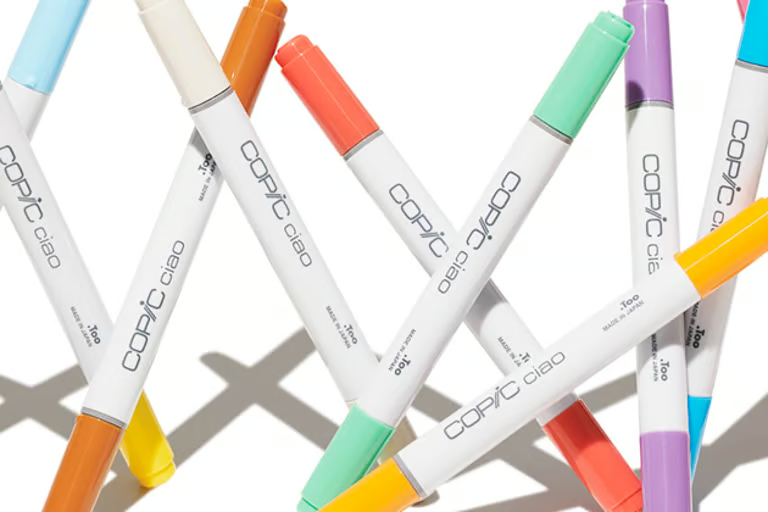
• Ciao Alcohol Markers
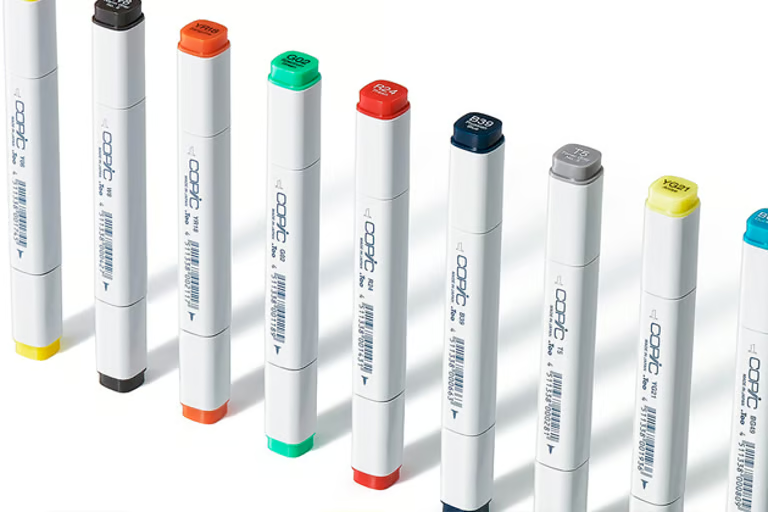
• Classic Alcohol Markers
• Sketch Alcohol Markers
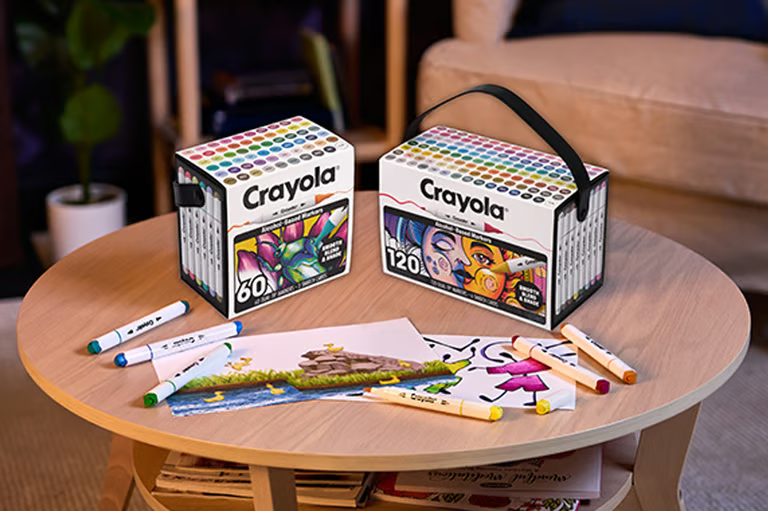
Crayola:
• All Grown Up Alcohol Markers
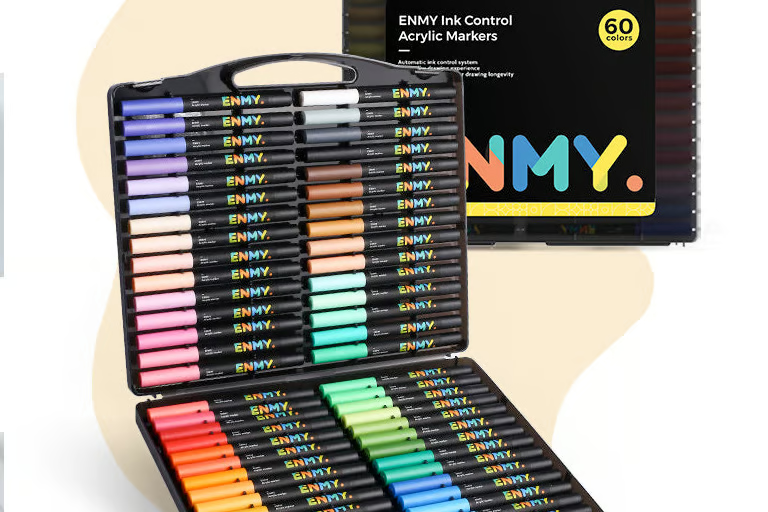
Enmy:
• Direct Liquid Paint Markers
Faber-Castell:
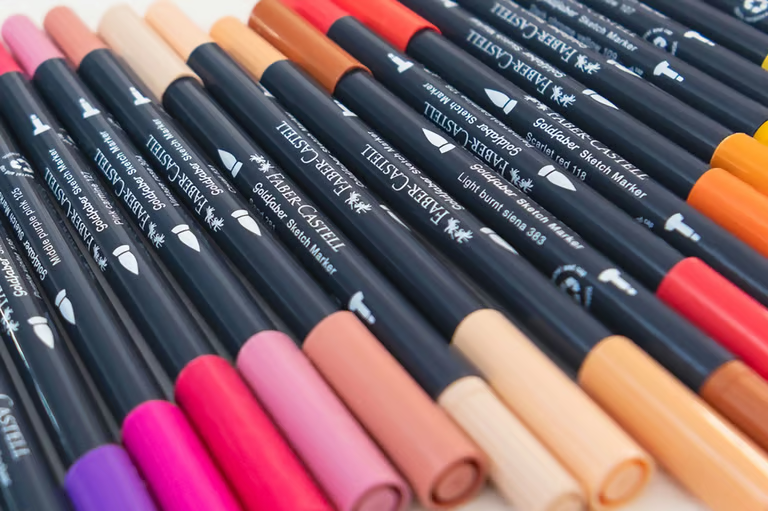
• Goldfaber Sketch Alcohol Markers
Ohuhu:
• Honolulu Alcohol Markers
• Honolulu Alcohol Markers (Legacy Numbering)
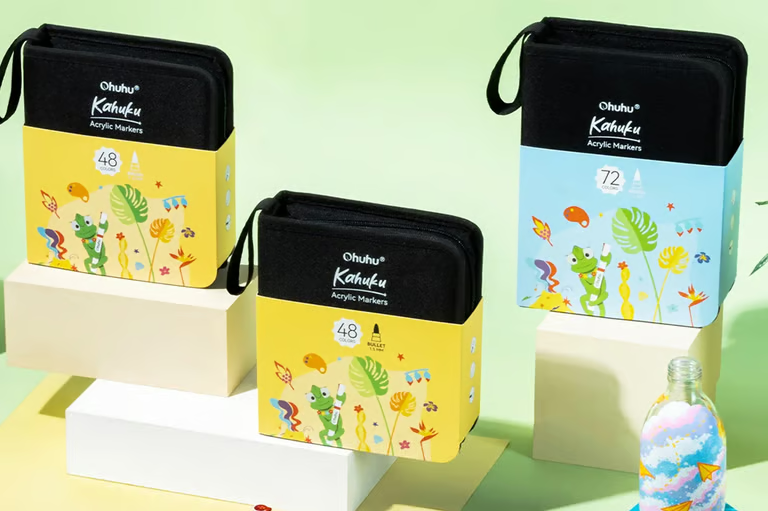
• Kahuku Paint Markers
OLO:
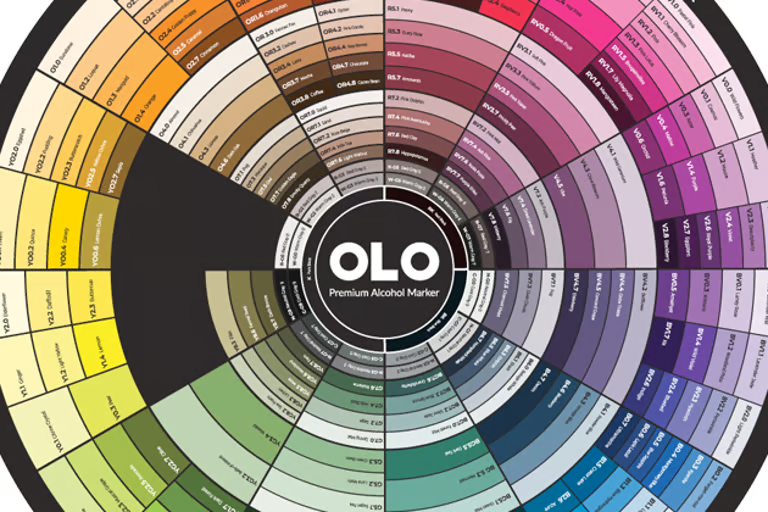
• OLO Alcohol Markers
Posca:
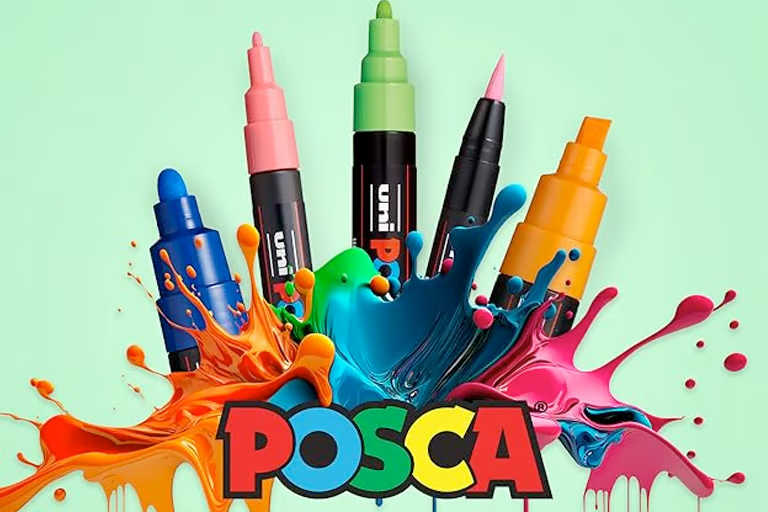
• Posca Paint Markers
Spectrum Noir:
• Illustrator Alcohol Markers
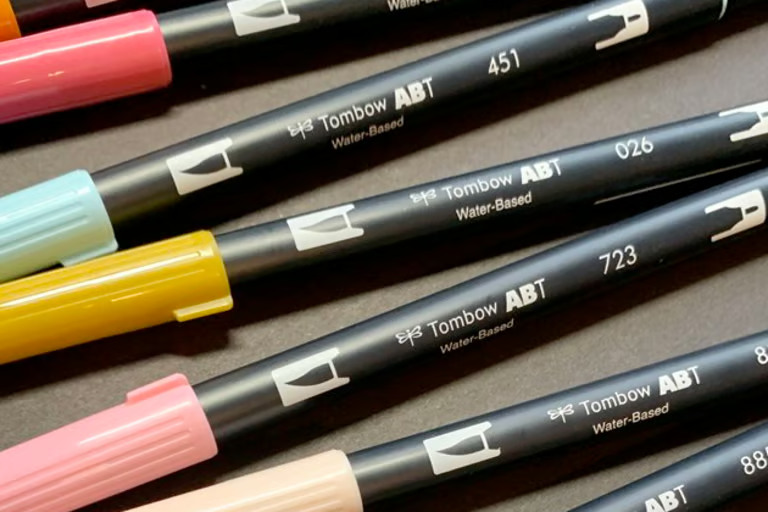
TomBow:
• Dual Brush Pens
Winsor & Newton:
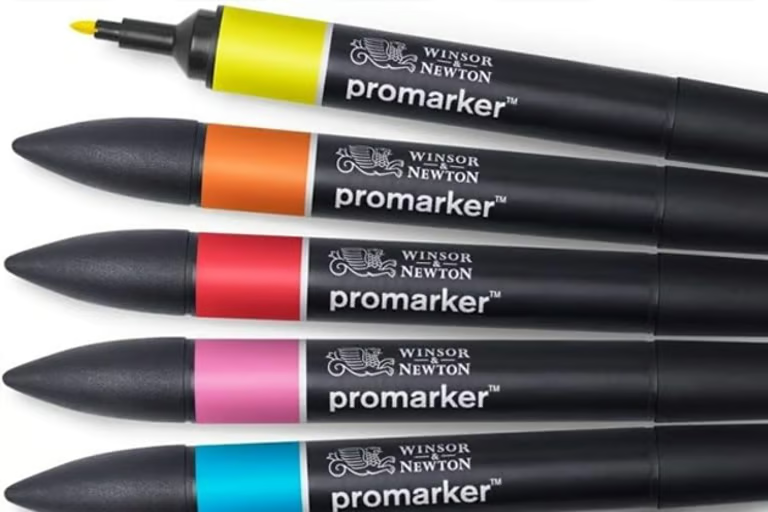
• Promarker Alcohol Markers
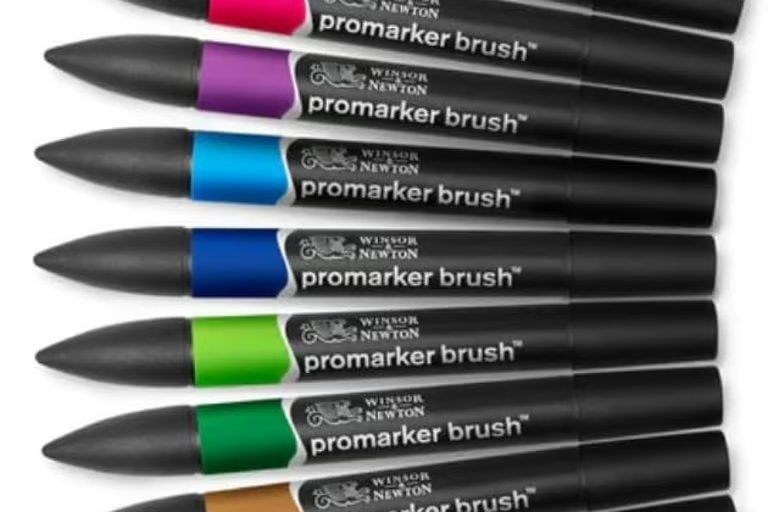
• Promarker Brush Alcohol Markers
Zig:
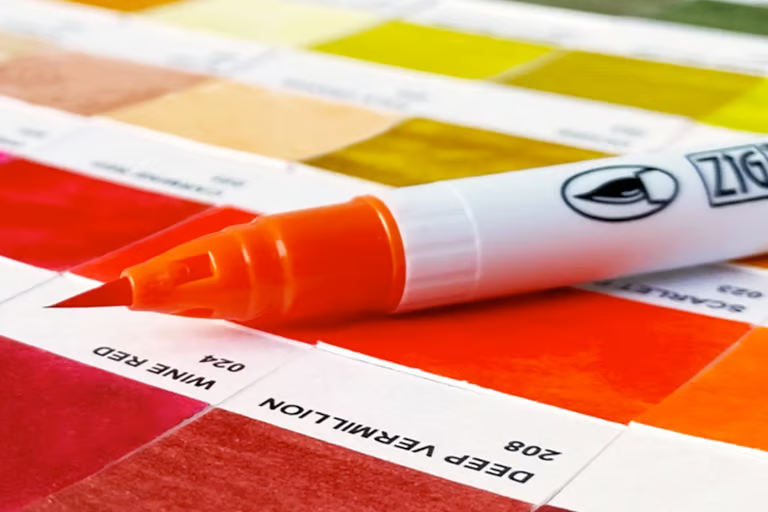
• Clean Colour Real Brush Watercolour Markers
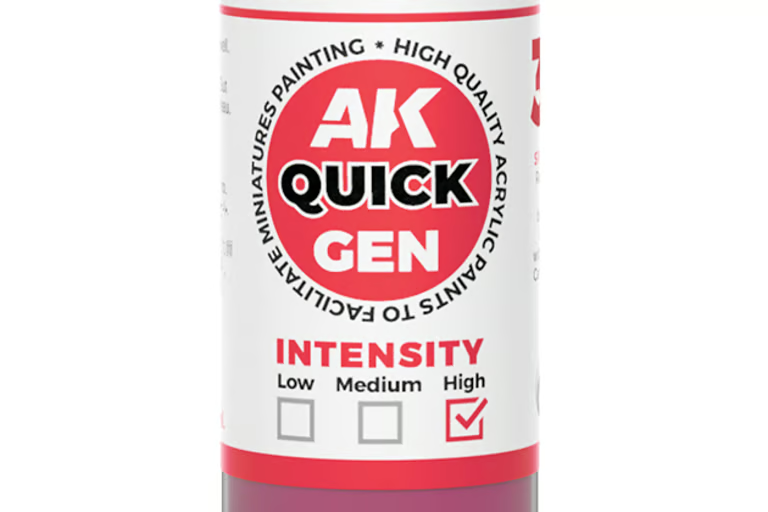
• Quick Gen Acrylic Paints
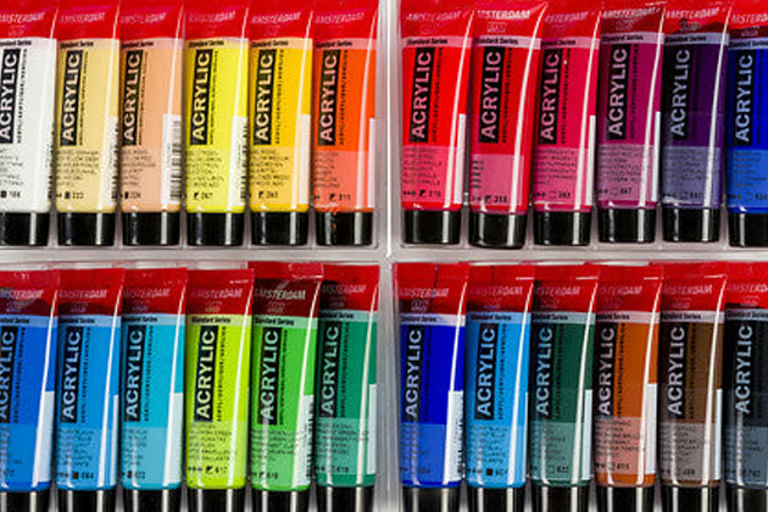
Amsterdam:
• Standard Series Acrylic Paints
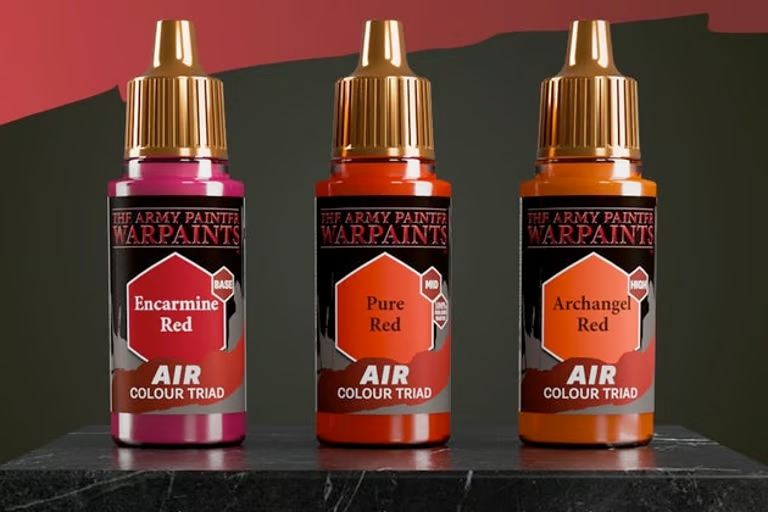
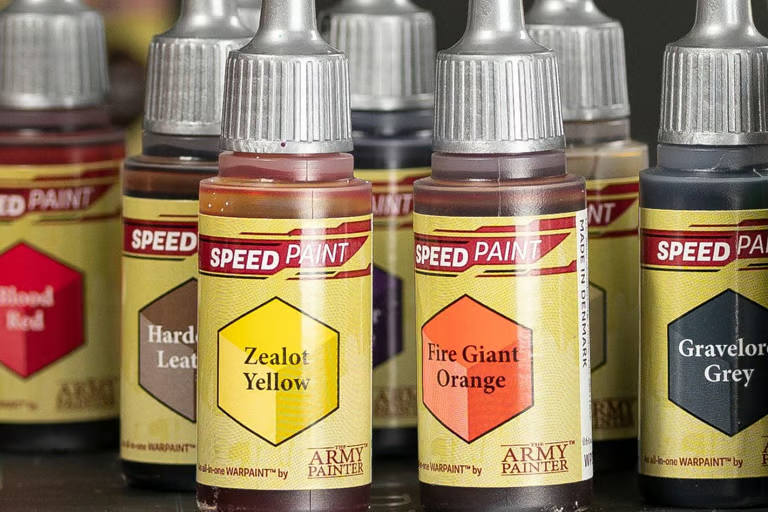
The Army Painter:
• AIR Warpaints
• Speed Paint 2.0
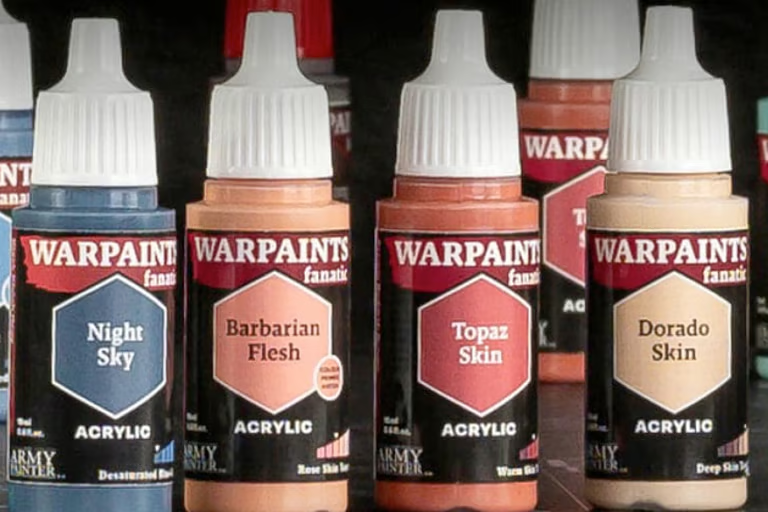
• Warpaints Fanatic
Art Spectrum:
• Art Spectrum Gouache
Caran d’Ache:
• Museum Aquarelee Watercolours
Daniel Smith:
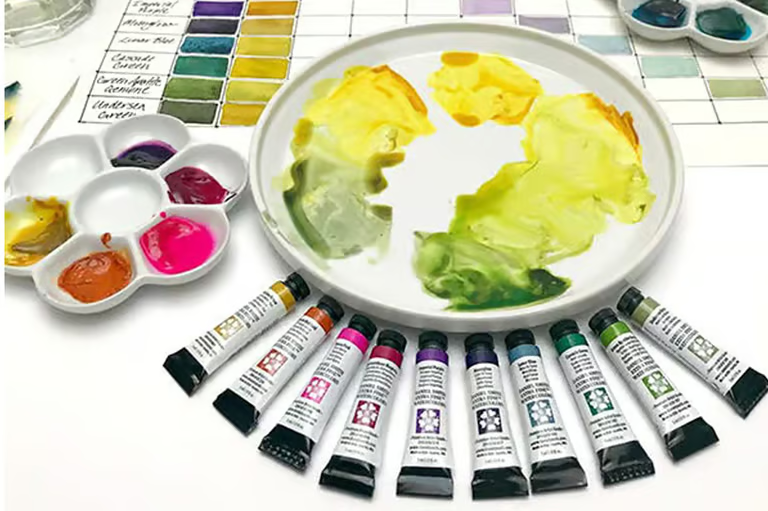
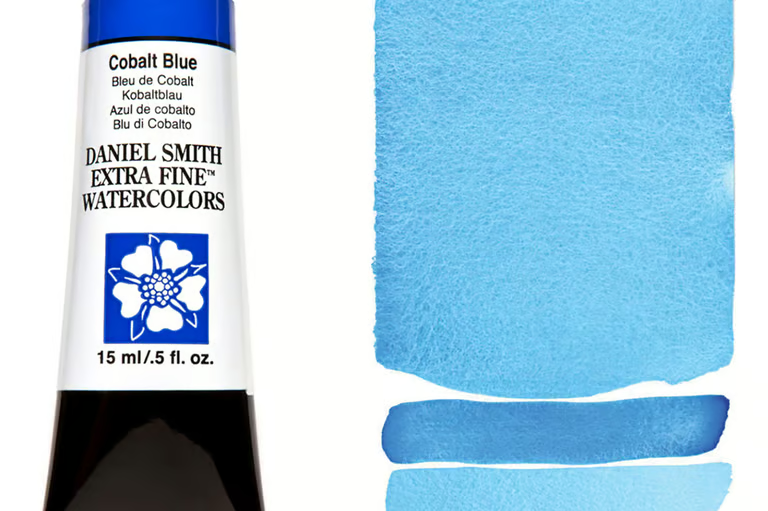
• Extra Fine Watercolours 15ml
• Extra Fine Watercolours 5ml
DecoArt:
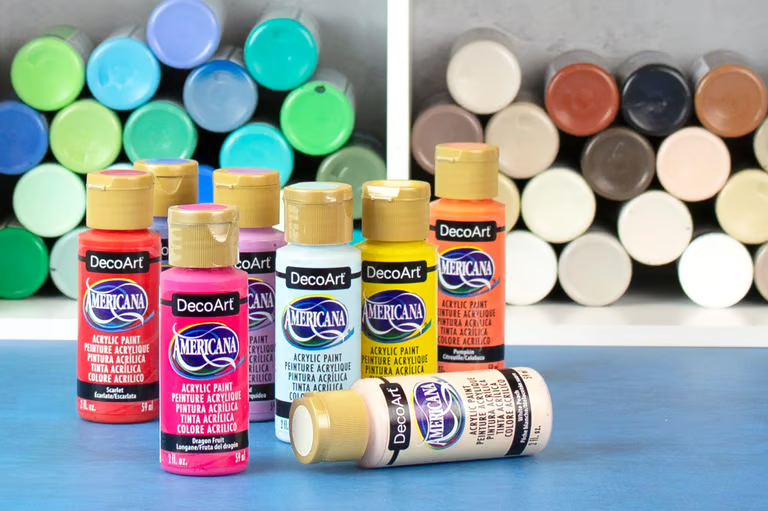
• Americana Acrylic Paints
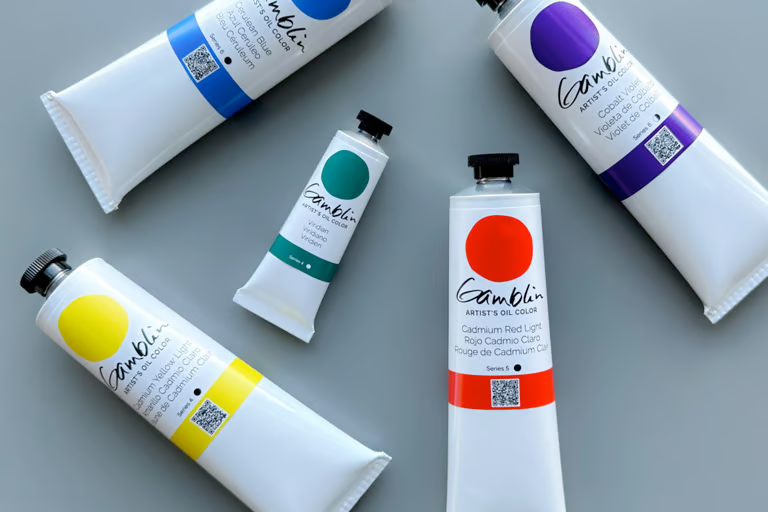
Gamblin:
• Artist’s Oil Colours Paints
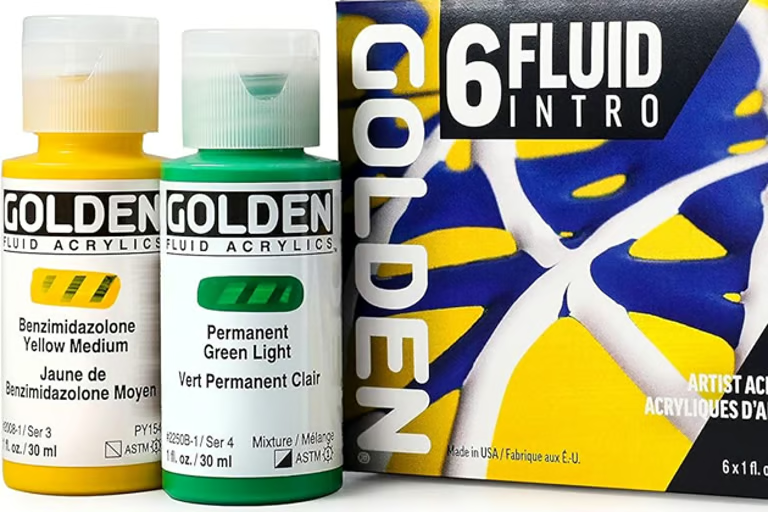
Golden:
• Fluid Acrylic Paints
• Heavy Body Acrylic Paints
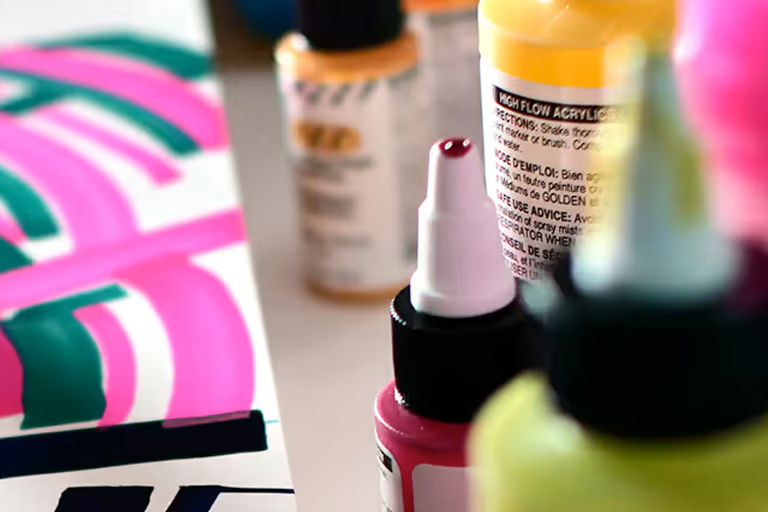
• High Flow Acrylic Paints
Holbein:
• Acrylic Gouache 20ml
• Acrylic Gouache 40ml
Kuretake:
• Gansai Tambi Watercolours
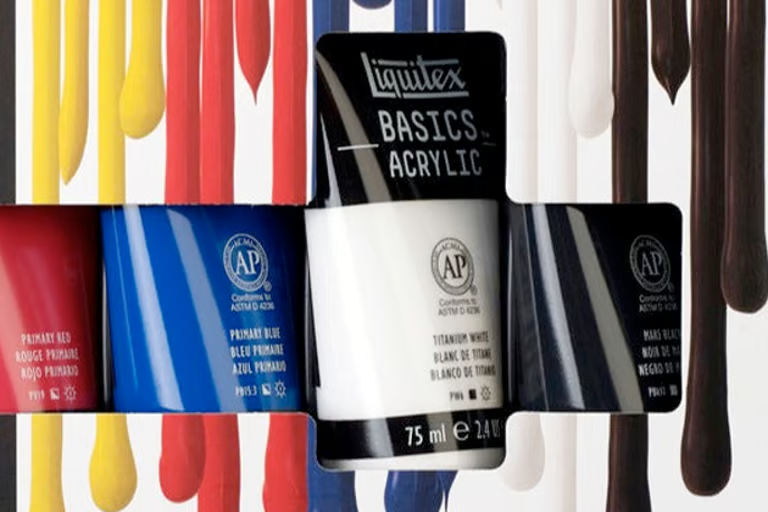
Liquitex:
• Basics Acrylic Paints
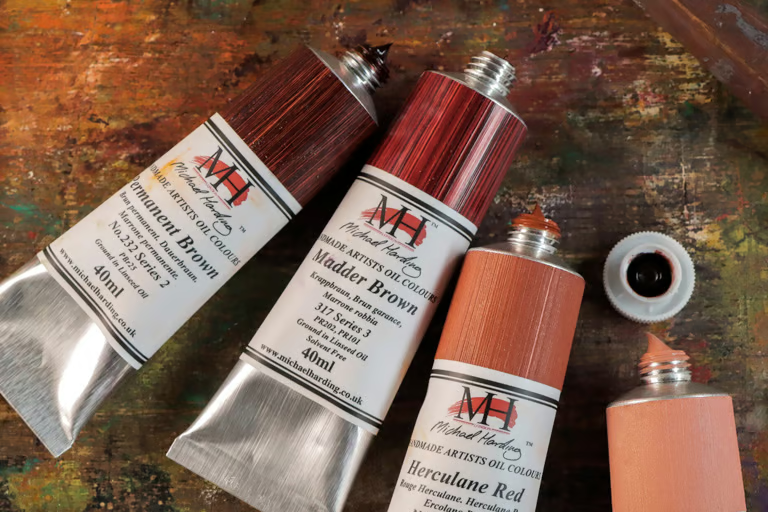
Michael Harding:
• Artists Oil Colours
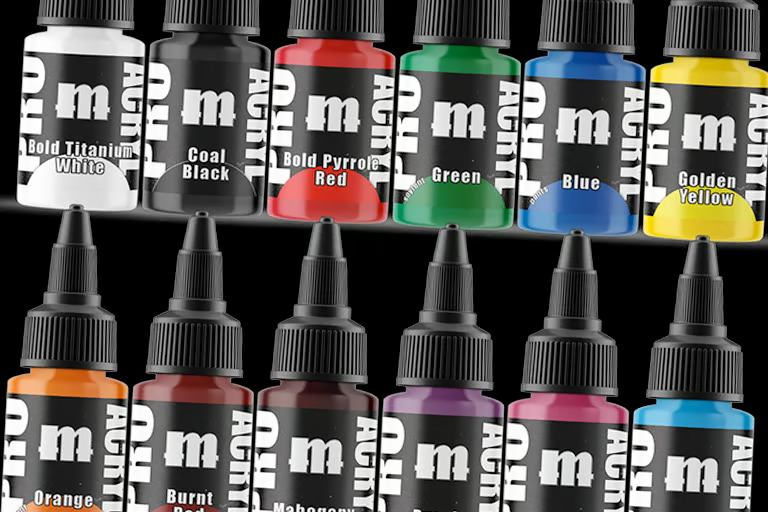
Monument:
• Pro Acryl Paints
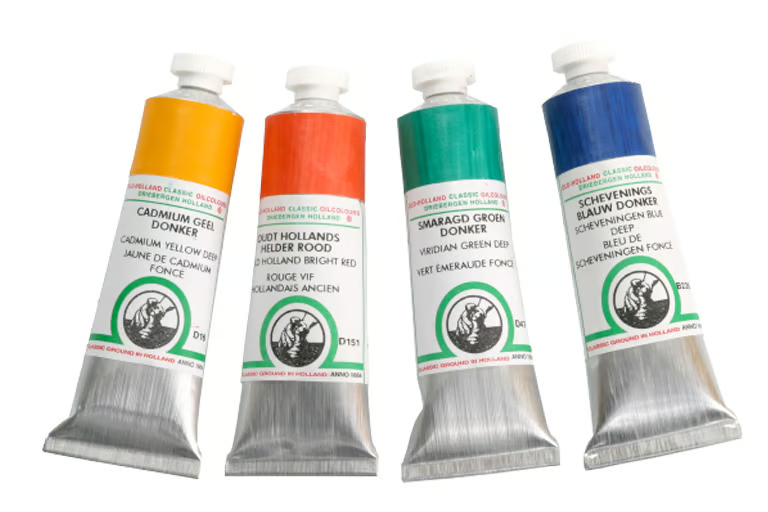
Old Holland:
• Classic Oil Paints
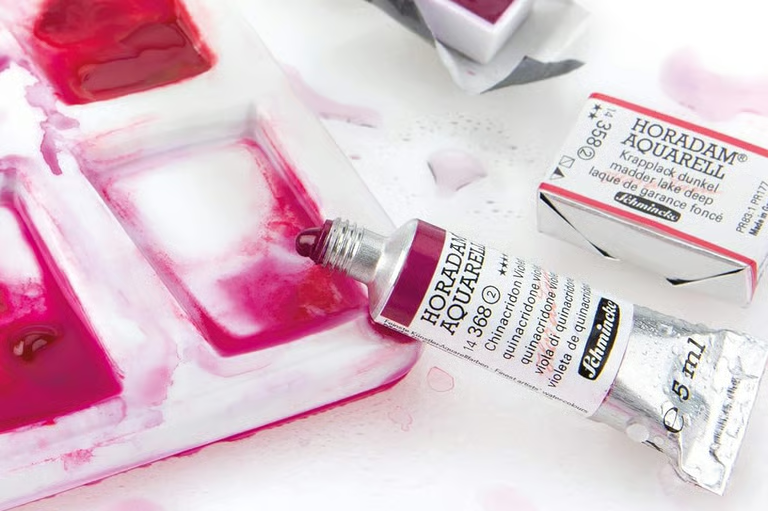
Schmincke:
• Horadom Aquarell Watercolours
Spectrum Noir:
• Aqua Watercolours
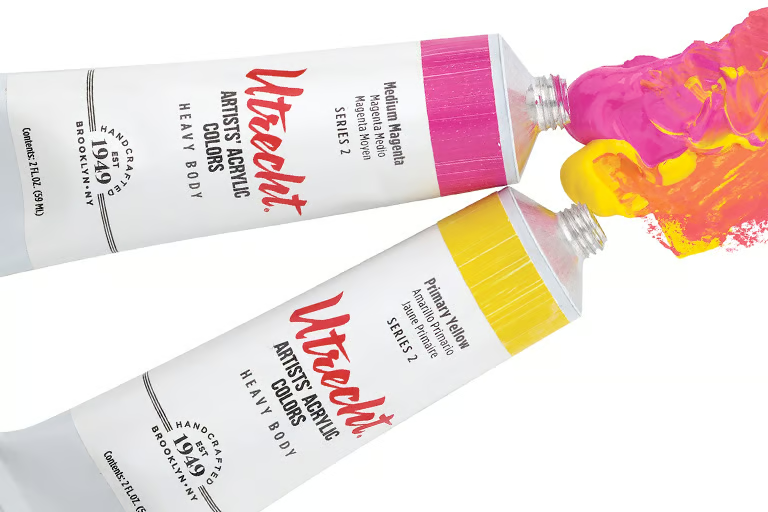
Utrecht:
• Artists’ Acrylic Paints
• Artists’ Oil Colours
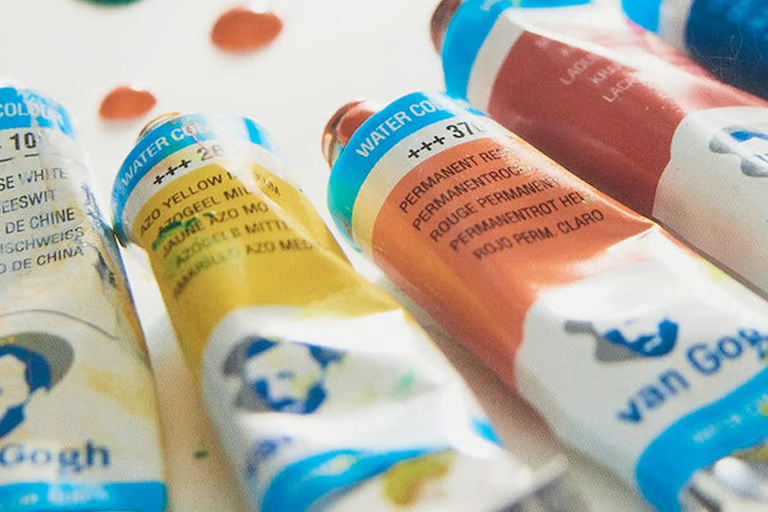
Van Gogh:
• Watercolour Paints
Winsor & Newton:
• Professional Acrylic Paints
• Pro Watercolour Paints
• Cotmans
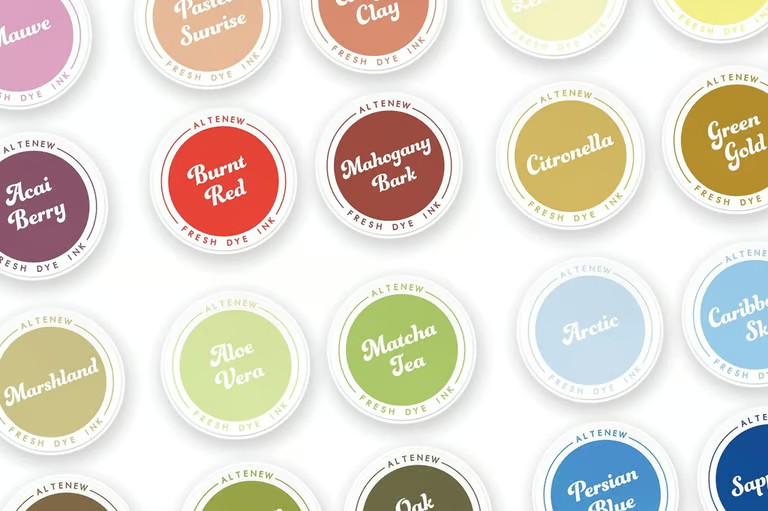
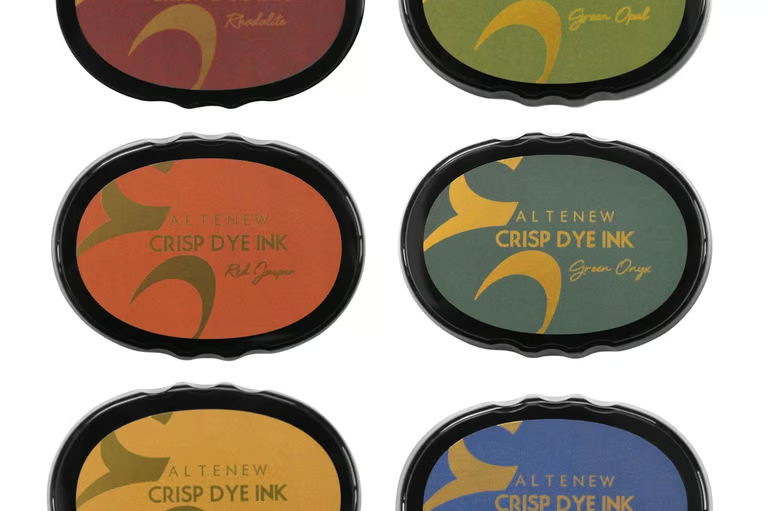
Altenew:
• Crisp Dye Ink
• Fresh Dye Ink
Americolor:
• Soft Gel Paste
Art Spectrum:
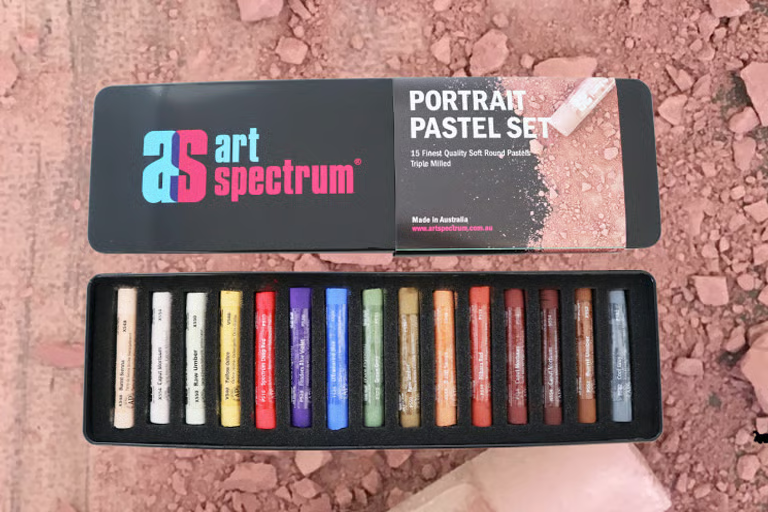
• Artists’ Soft Pastels
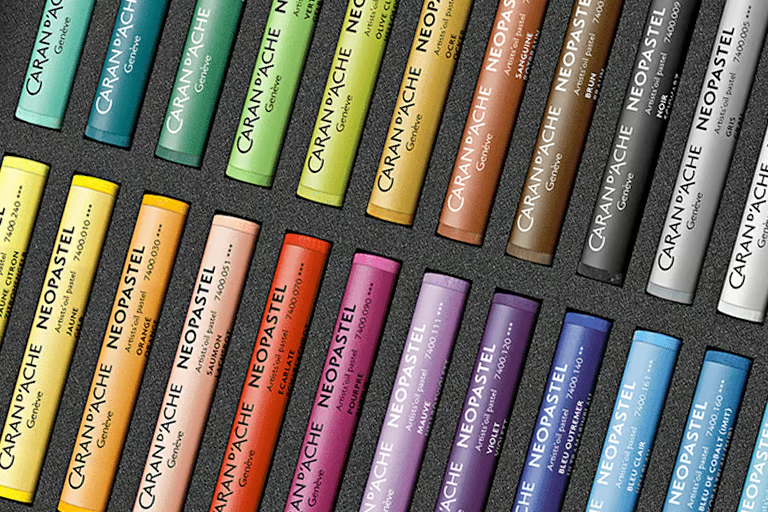
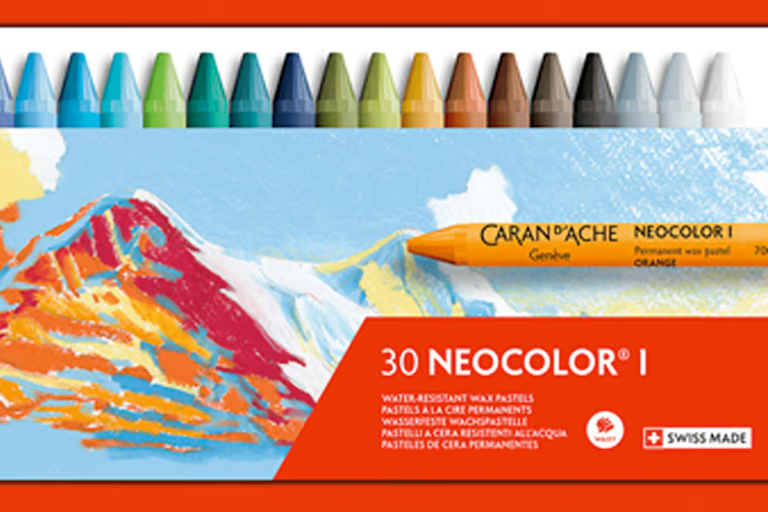
Caran d’Ache:
• Neocolor I Pastels
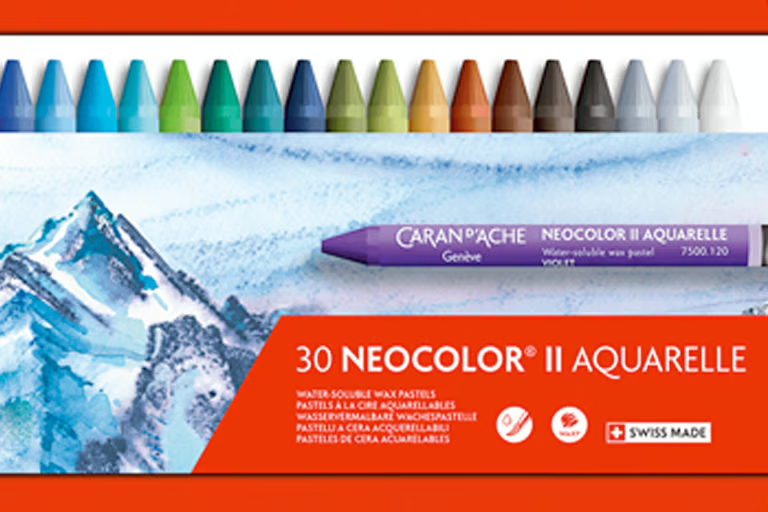
• Neocolor II Pastels
• Neopastels
Concord & 9th:
• Cardstock
• Inks
DMC:
• Six Strand Thread
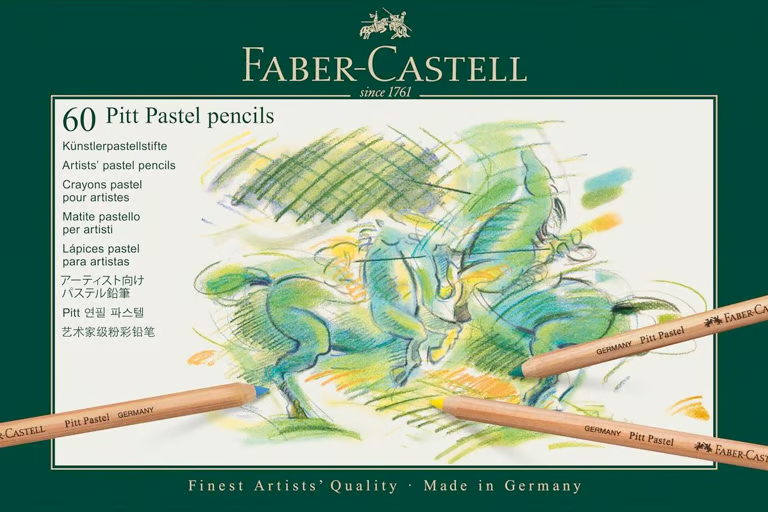
Faber-Castell:
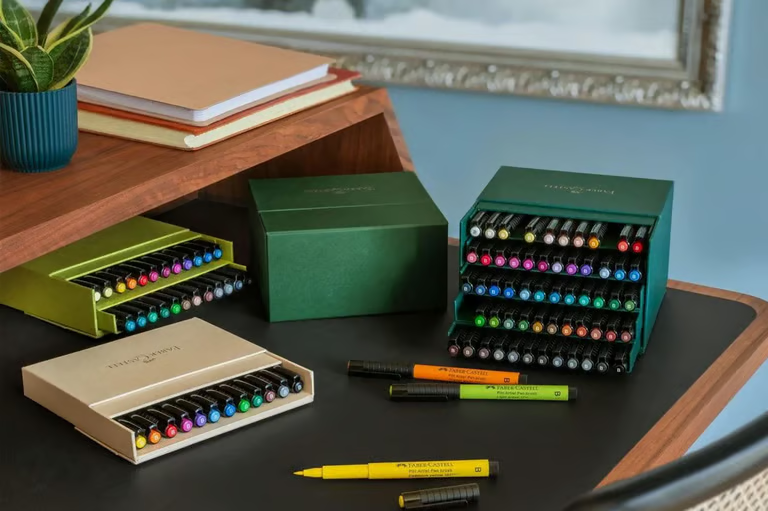
• Pitt Artist Pens
• Pitt Pastel Pencils
Gina K Designs:
• Ink Pads
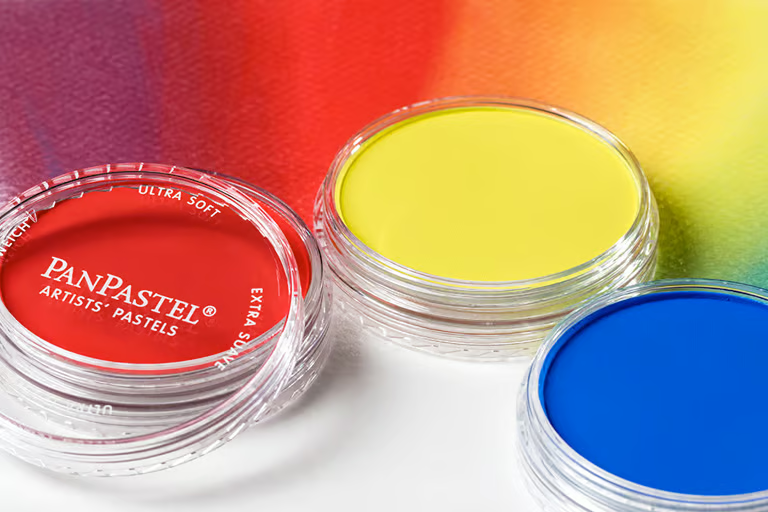
PanPastel:
• Artist Pastels
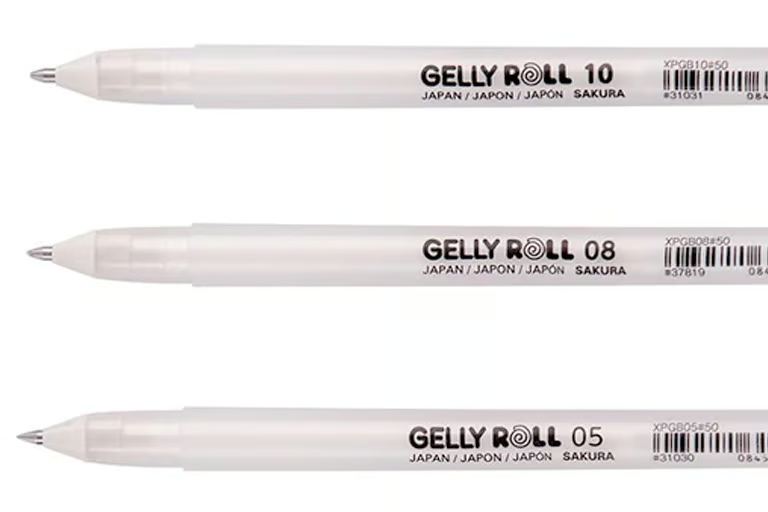
Sakura:
• Gelly Roll Gel Pens
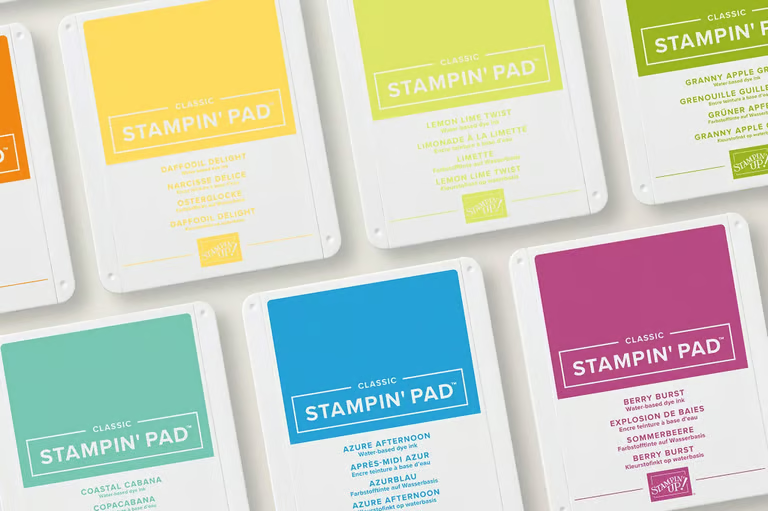
Stampin’ Up:
• Stampin’ Pads
Tim Holtz:
• Distress Ink Pads
• Kalour Coloured Pencils
• Brutfuner Coloured Pencils
• Holbein Watercolours
• Ohuhu Markers (various)
• Arteza Coloured Pencils
• Karin Reabrush Pigment Markers
• Dr. PH Martin Inks
• Matisse Paints
• Molotow One4All Acrylic Markers
• MSculpey Clay
• R&F Drawing Oils
• Mungyo Artist’s Soft Oil Pastels

Pricing & Account Options
We’ve unlocked access to our best features in our Essentials Plan – giving you everything you need to find the best colour match in your supplies.
A Pro account unlocks even more, and is available as a subscription or one-off payment for lifetime access to all features.
The Digital Colour Cubes Add-on is available with either plan, or can be added later.
Essentials
FREE
Explore colours | essentials
Access to our full library of brands | essentials
Match art supplies | essentials
Convert between brands | essentials
Browse 8 colour palettes | essentials
Save colours as favourites | essentials
All Essentials Features, plus: | pro
Create your own Art Stash | pro
Unlimited art supplies in your list | pro
Re-order and rename your art supplies | pro
Advanced Colour Matching (BETA) | pro
Custom Collections | pro
Create custom printables (swatch charts, conversion charts, etc) | pro
New colour palettes every month | pro
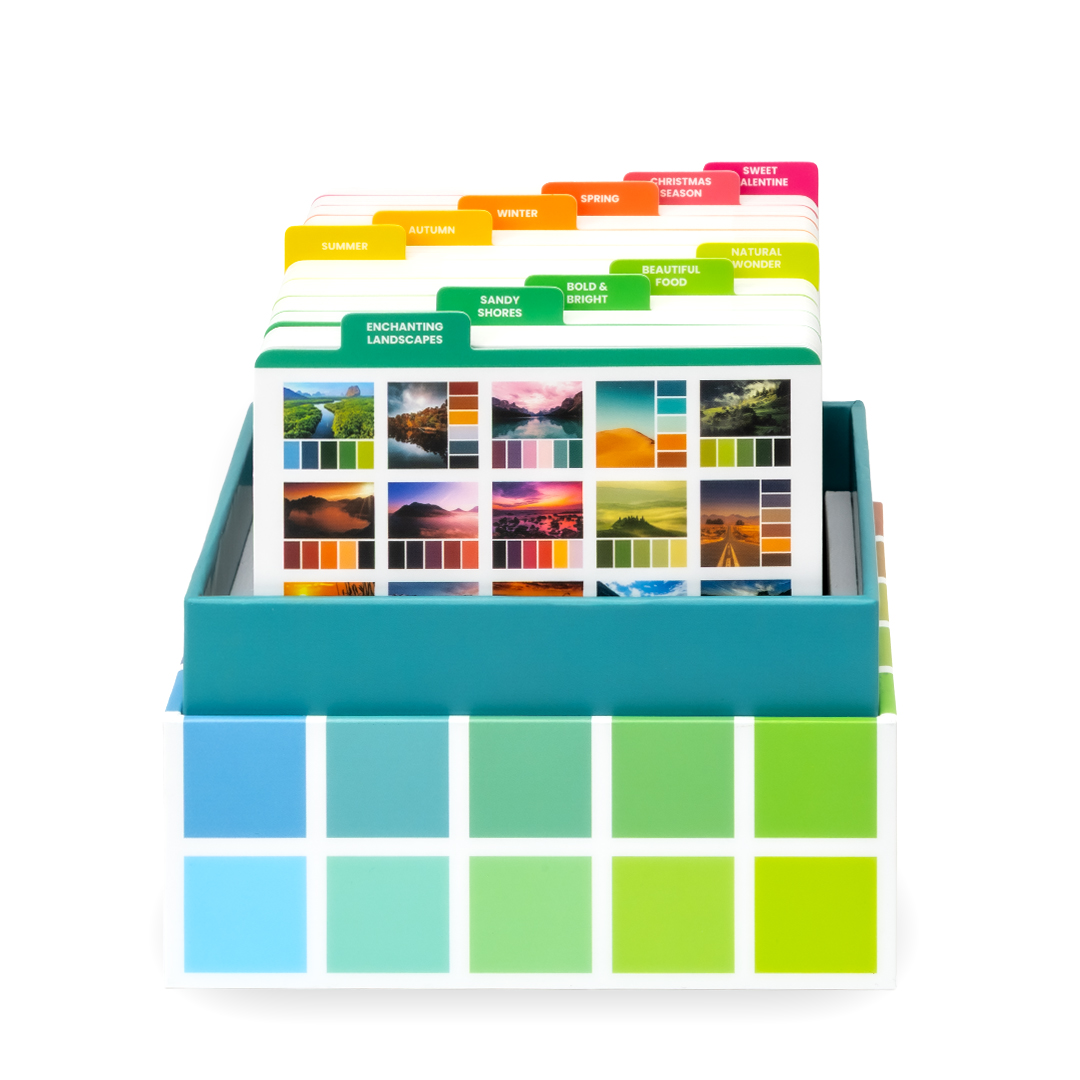
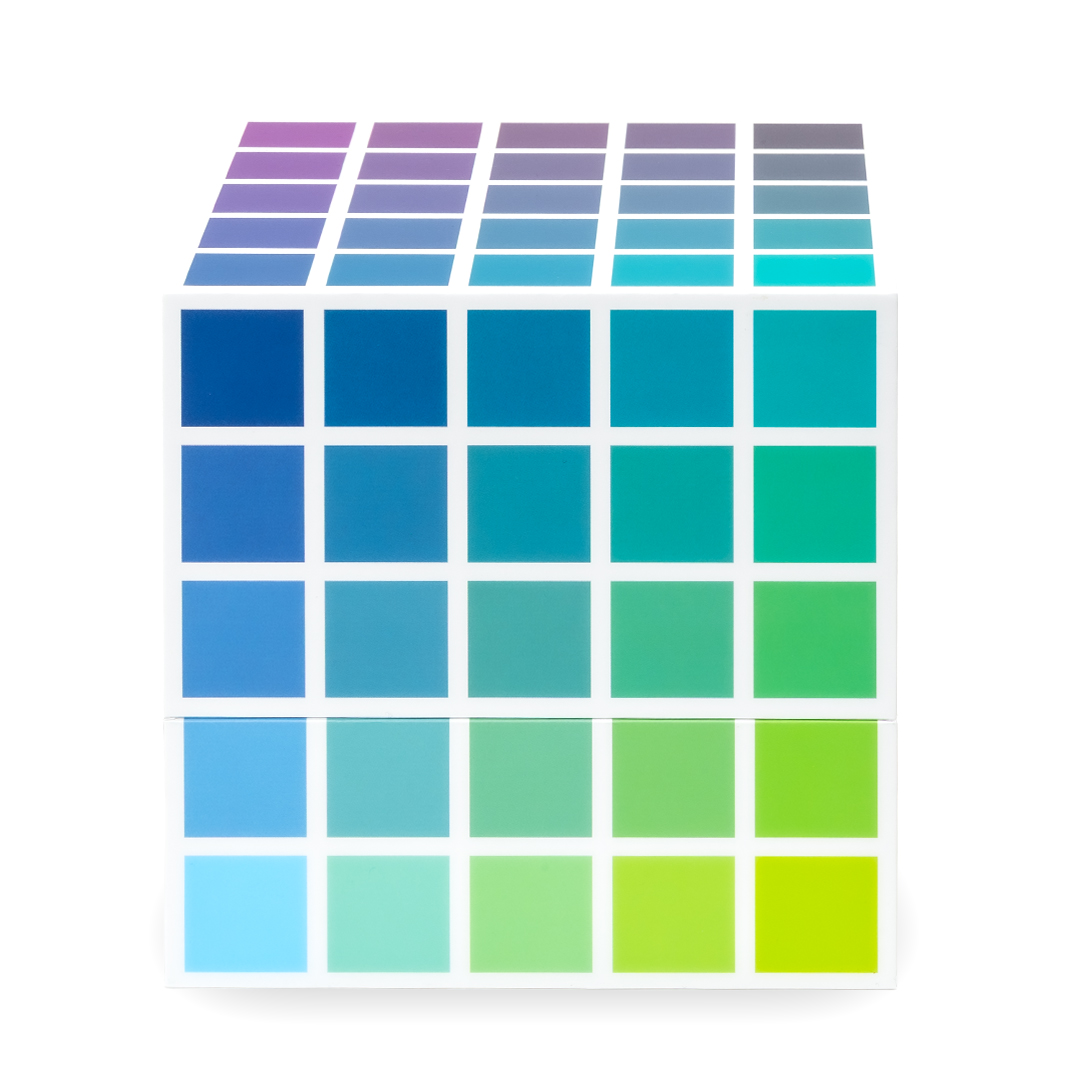
Digital Colour Cubes
$45 each | Bundle Pricing Available!
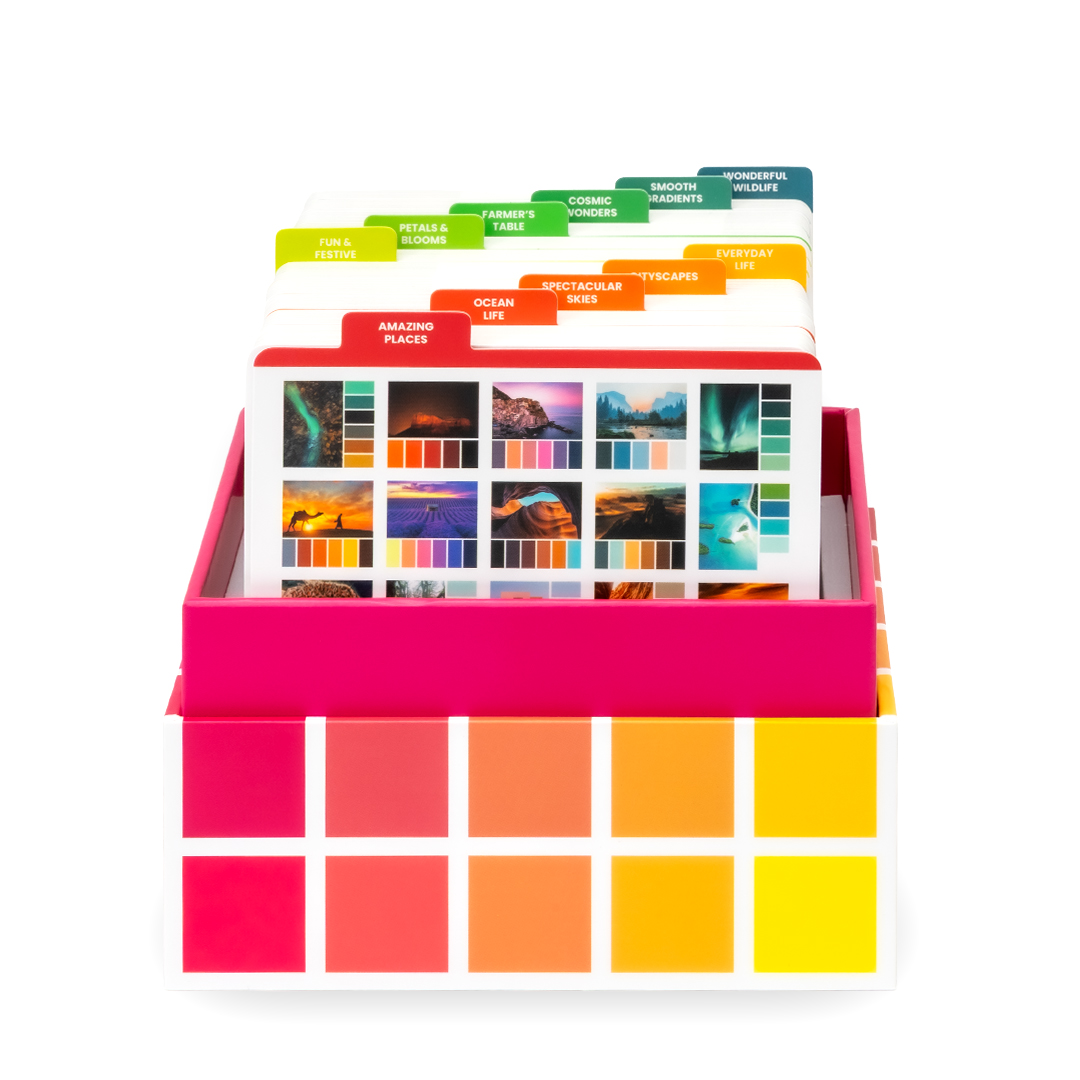
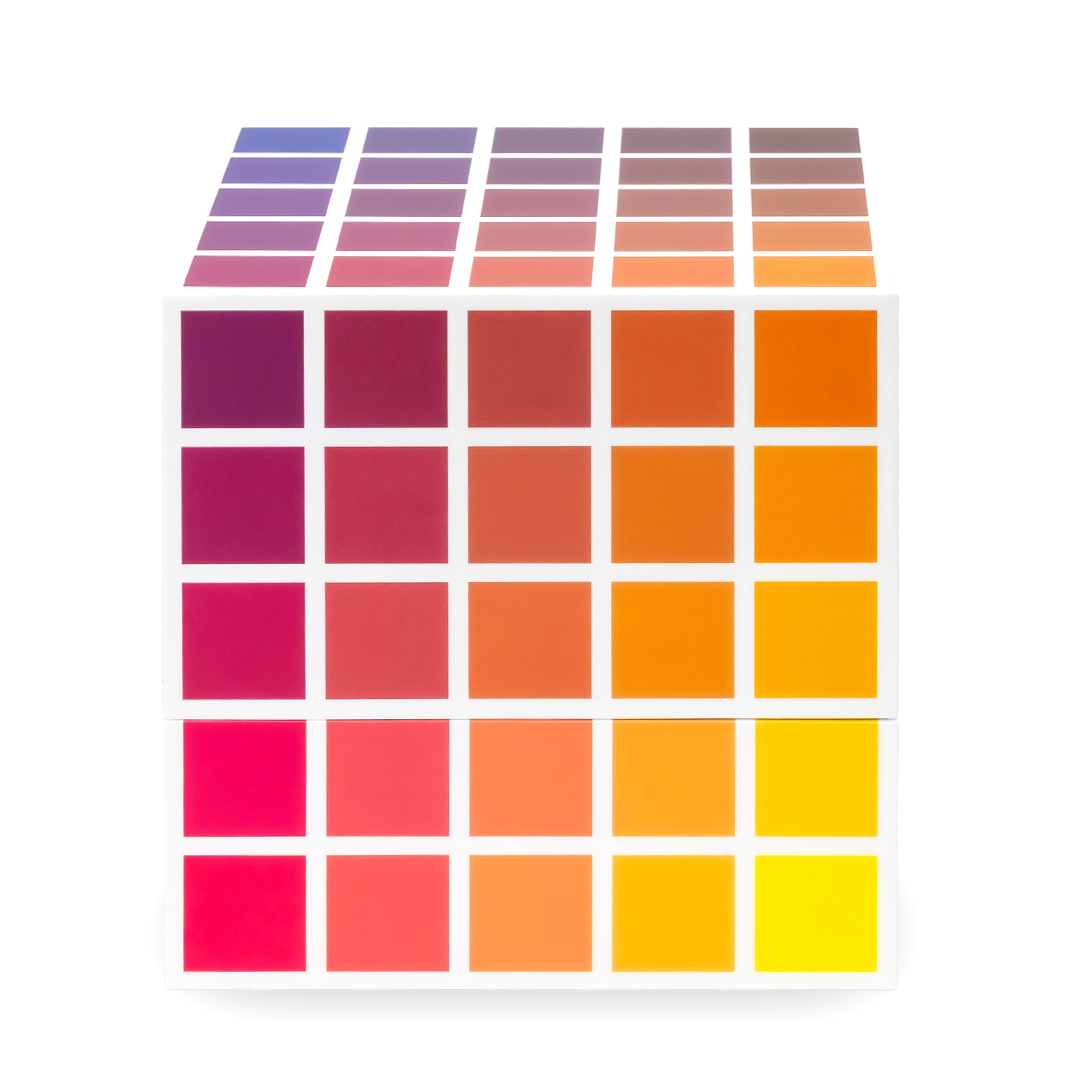
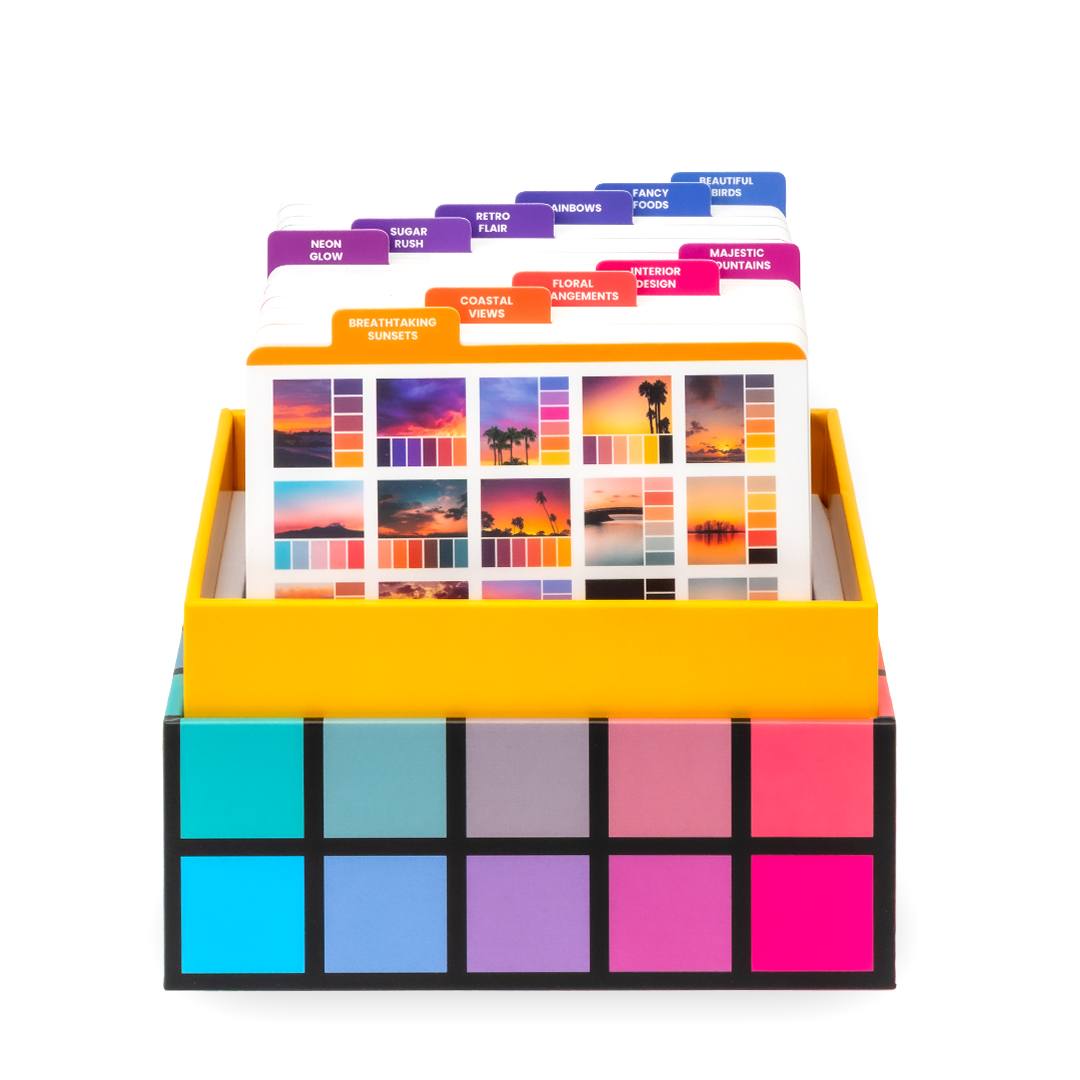
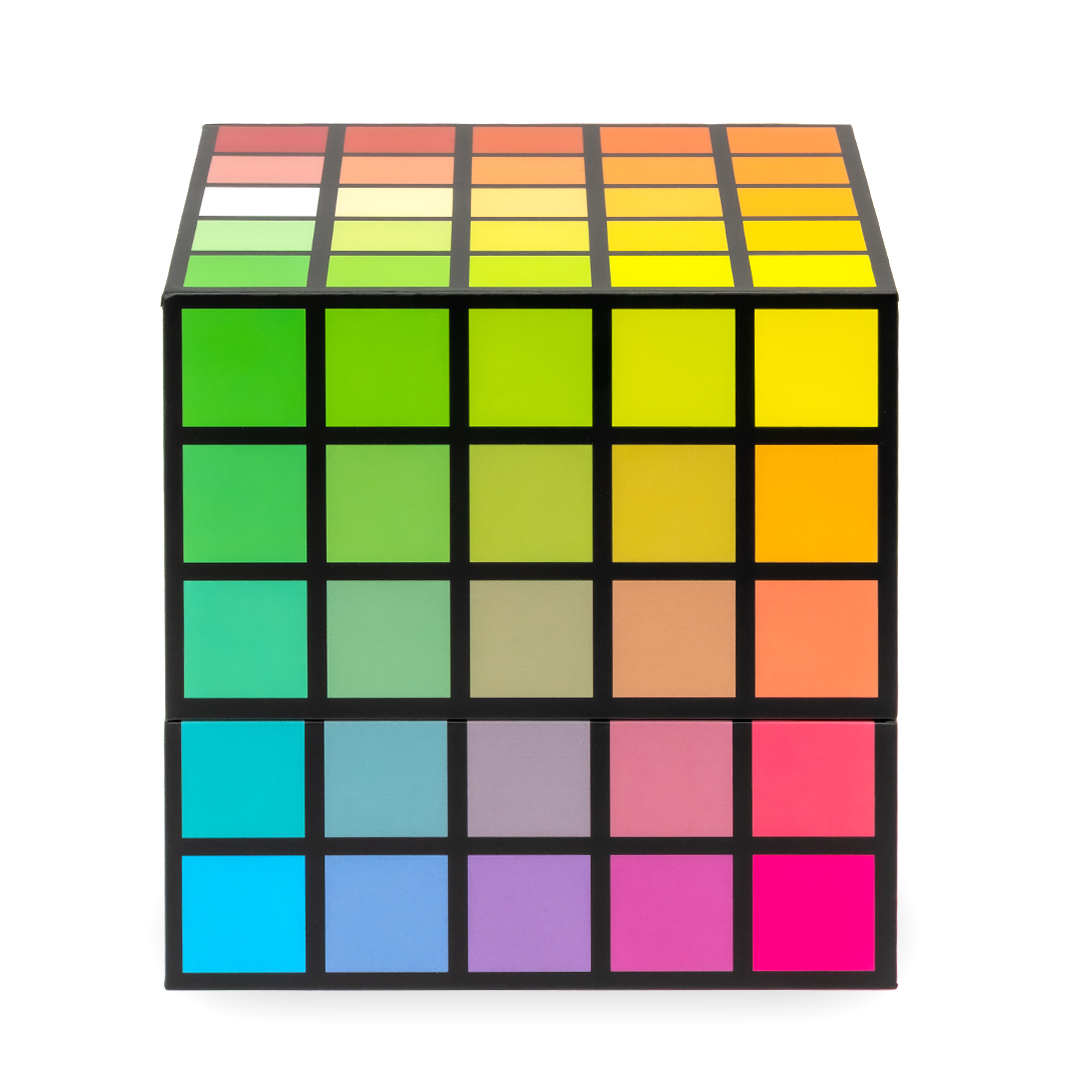
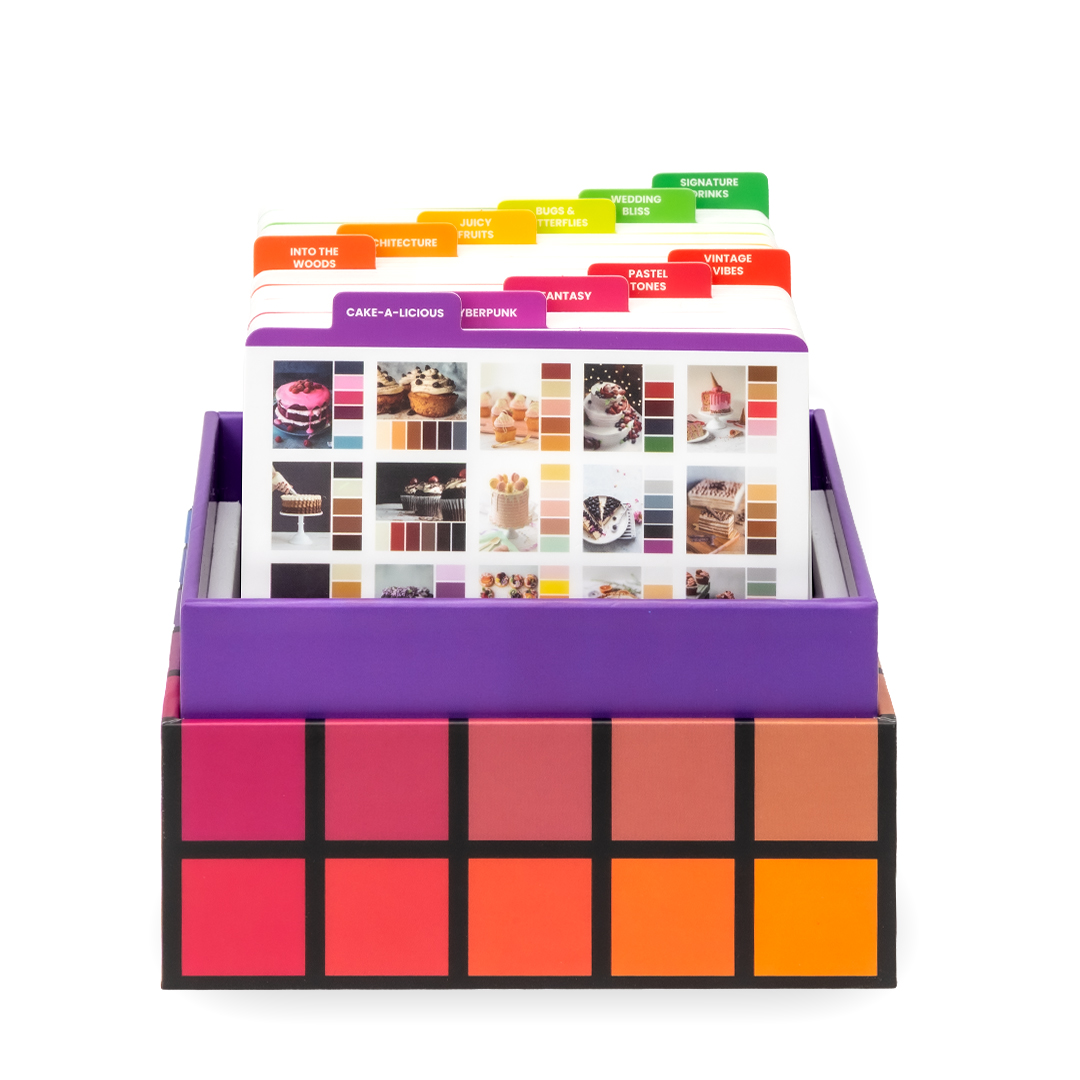
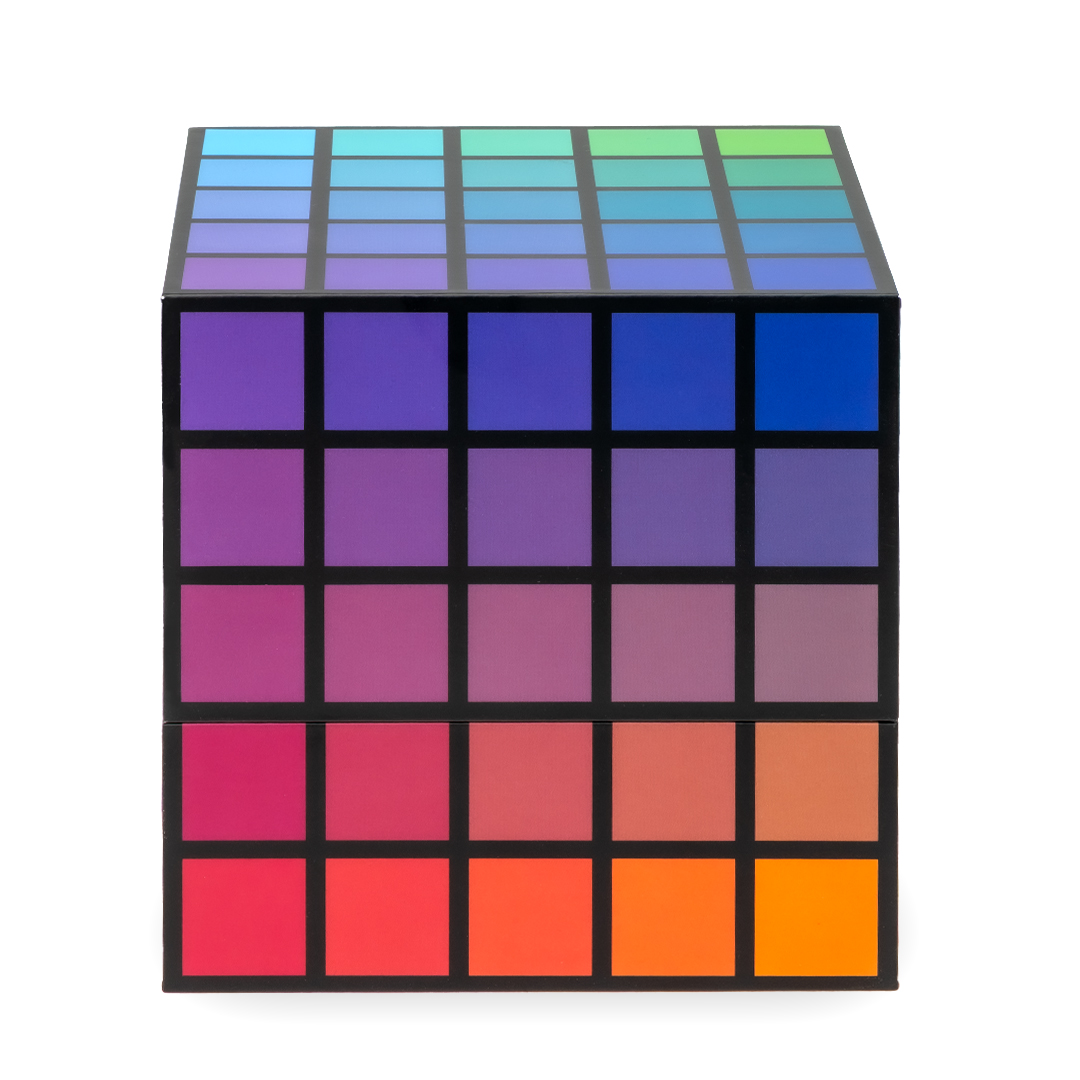
Can be used with either the Essentials or Pro plan
Unlock your Color Cube palettes to use in all the tools
Browse palettes by colours, keywords and collections
Download swatch files for Procreate, Photoshop, etc
Download a printable PDF Colour Cube
250 colour palettes per volume.
Available In-App, or
All pricing is in Australian ($AUD) dollars.
Compare All Features
| Essentials | Pro | |
|---|---|---|
| Explore Colours | ||
| • Explore any colour or hex code | ||
| • Explore Colour Harmonies | ||
| • See light-dark and warm-cool variations of your colour | ||
| • Save colours as Favourites | ||
| • Save colours to Custom Collections | ||
| • Explore our database of 550+ colour names | ||
| Explore Art Supplies | ||
| • Explore individual data and colours for each art supply in a set | ||
| • Save products to your Art Stash to use in other tools | Up to 3 Supplies | Unlimited |
| Art Supply Converter Tools | ||
| • Match colours to your art supplies | Up to 3 Supplies | Unlimited |
| • Convert colours between 2 different art supplies | Up to 3 Supplies | Unlimited |
| • Match colours to a colour palette | Up to 3 Supplies | Unlimited |
| • Advanced colour mixing suggestions (Coming Soon) | ||
| Explore Colour Palettes | ||
| • Explore 8 free colour palettes | ||
| • Exclusive monthly palettes | ||
| • Up to 1000 palettes from the Colour Cube (Second Edition: Volumes 1-4) | Available on either plan with Digital Colour Cube purchase | |
| • Save colour palettes to Custom Collections | ||
| Your Art Stash | ||
| • Add products to your Art Stash | Up to 3 Supplies | Unlimited |
| • Customise sets by adding or removing individual art supplies | ||
| • Re-order the art supplies in a set | ||
| • Rename your art supplies | ||
| Print Your Own Charts | ||
| • Export PDF colour data sheets, swatch pages, art supply conversion charts and more. | ||
| Free | Pro | |
|---|---|---|
| Explore Colours | ||
| • Explore any colour or hex code | ||
| • Explore Colour Harmonies | ||
| • See light-dark and warm-cool variations of your colour | ||
| • Save colours as Favourites | ||
| • Save colours to Custom Collections | ||
| • Explore our database of 550+ colour names | ||
| Explore Art Supplies | ||
| • Explore individual data and colours for each art supply in a set | ||
| • Save products to your Art Stash to use in other tools | Up to 3 Brands | No Limits |
| Art Supply Converter Tools | ||
| • Match colours to your art supplies | Up to 3 Brands | No Limits |
| • Convert colours between 2 different art supplies | Up to 3 Brands | No Limits |
| • Match colours to a colour palette | Up to 3 Brands | No Limits |
| • Advanced colour mixing suggestions (Coming Soon) | ||
| Explore Colour Palettes | ||
| • Explore 8 free colour palettes | ||
| • Exclusive monthly palettes | ||
| • Up to 1000 palettes from the Colour Cube (Second Edition: Volumes 1-4) | Available on either plan with Digital Colour Cube purchase | |
| • Save colour palettes to Custom Collections | ||
| Your Art Stash | ||
| • Add products to your Art Stash | Up to 3 Brands | No Limits |
| • Customise sets by adding or removing individual art supplies | ||
| • Re-order the art supplies in a set | ||
| • Rename your art supplies | ||
| Print Your Own Charts | ||
| • Export PDF colour data sheets, swatch pages, art supply conversion charts and more. | ||
Frequently Asked Questions
A subscription (free or paid) includes access to the online Colour Companion, with all the new features as they roll out – like colour matching, palette searching, and supply comparisons.
The Digital Colour Cubes are separate products and not automatically included with the Colour Companion
The Digital Colour Cubes will give you access to all of the palettes as a PDF or swatch files (for Photoshop, Procreate, etc)
If you’ve already purchased a digital Colour Cube, you’ll also be able to link it to your account and unlock all those palettes inside the new Colour Companion, with either the free or pro offer.
No. We only use ethically-sourced photos, licensed from human photographers. No generative AI images have been used. The colours in each palette were hand-selected from each photograph by Sarah Renae Clark. You will be able to see the photographers for each reference photo as a part of the Colour Companion website.
You can use the printed HEX codes on the back of the cards, combined with the ‘Colour Explorer’ to find matching art supplies or colour harmonies etc.
On the ‘Colour Explorer’, type in the HEX code (with the # at the start). If you are working with a particular palette, you can use the favourites function or a collection to save the colours from the card to reference back to later.
Alternatively, if you have the Digital Colour Cubes, you can access this information more intuitively through the colour palette’s information screen.
When you have Digital Colour Cubes registered to your account, the images, colour data and swatch files are easily accessible within the Colour Companion.
The ‘Colour Palette Browser’ is a great place to start, where you can filter and search based on collections, colours and keywords. All the palettes you have access to are browsable from this screen.
Alternatively, the ‘Digital Colour Cubes’ screen allows you to quickly access a collection to find a palette that’s right for you.
When you view a colour palette from either of these pages, you will be shown the colour names and hex codes as they are shown on the printed Colour Cubes. If you click the ‘More Info’ button, you can then see much more detail about each colour palette, including a description, keywords, extended colour data, light to dark variations and similar colour palettes. You can also interact with any of those individual colours, or the entire palette (favourites, conversions, exports etc.).
You can print out a colour palette by exporting it to the PDF and then printing it.
• First, go to the ‘More Info’ page for the colour palette you want to print.
• Then, in the description area of the page (under where the keywords and collections for the palette is listed) you’ll see a row of icons.
• Click the 4th one, which has the picture of the downwards arrow.
This will generate the PDF file, which will open in your web browser. If it does not appear, it is likely that your browser has pop-ups disabled – which it will usually tell you at the top of the browser window (and give you the option to allow).
All colour palettes have downloadable palette data that can be used on your device.
• .ASE Files: Colour palette data which is compatible with Adobe software.
• .SWATCHES Files: Colour palette data which is compatible with ProCreate.
• .PDF Files: printable exports which you can reference.
All of these files and printables are located on the More Info page for each colour palette.
ASE/SWATCHES files are downloadable via the icon which looks like a piece of paper with a + in it, and the PDF files can be generated via the icon that has the downwards arrow on it.
Made by Sarah Renae Clark and her team to make creativity fun and accessible.

Hi, I’m Sarah, and along with my team, I am the creator of the Colour Cube and Colour Companion.
If you’ve never met me before, I’m a recovering perfectionist who is curious about creativity and obsessed with colour. Taking creative risks and diving down craft-inspired rabbit holes is a common occurrence and my mission is to make things that help you experiment and take more creative risks.
I made the Colour Companion because I wanted to create a resource that helps you choose colours that work well together so that you can be more confident in your creativity.
Check out my socials or website to see how we can explore creativity together!